
SkipM8

Ask M8, your SkipM8 assistant

M8 is a chat built into SkipM8. Press Ask M8 at the bottom right of the screen and ask in plain English, the way you would ask someone in the office.

It answers how-to questions from SkipM8's help guides, and questions about your work from your own records: who owes what, what's on tomorrow, where a skip is.

M8 is included on the Starter, Grow, Pro and Enterprise plans.
Answers from your own records

Ask about a customer and M8 tells you what they owe, what's overdue, their credit limit and the skips they have out.

It can look up an invoice, a booking or a job, list unpaid invoices, show a day's work by driver, find where a skip is, tell you whose vehicle a registration belongs to, and give you the price of a hire item.

It can also tell you which highway permits run out soon, whether a booking's waste records have gone to DEFRA, when a lorry's next service or MOT is due, and what a customer has paid.

Replies link straight to the customers, bookings and invoices M8 found, so you can open them in one click.

Open M8 on a booking, customer, invoice or job and it knows which one you mean, so you can just ask "what's on this?"

It only sees what you can see

M8 looks things up as you, so it never shows you more than your own screens would. If your role can't see invoices, M8 says so rather than showing a zero.

It only reads the sites you work on, and never another business's records.

M8 never changes anything on its own. For a few everyday tasks, such as booking a collection, moving a job to another day, adding a note or a customer, or setting up a simple booking, it fills in a card for you to check. Nothing changes until you press Confirm.

Talk to M8 instead of typing

Useful when you're on the phone to a customer or out in the yard. It works in Chrome, Edge and Safari.

  1. Press the microphone beside M8's message box.
  2. Say what you need, for example "which permits run out this week?"
  3. Press stop and your words are sent as a message.
  4. Read M8's answer, or check the card it sets up before you press Confirm.

Related features

Operations

Bookings, stock and the day's work in one place

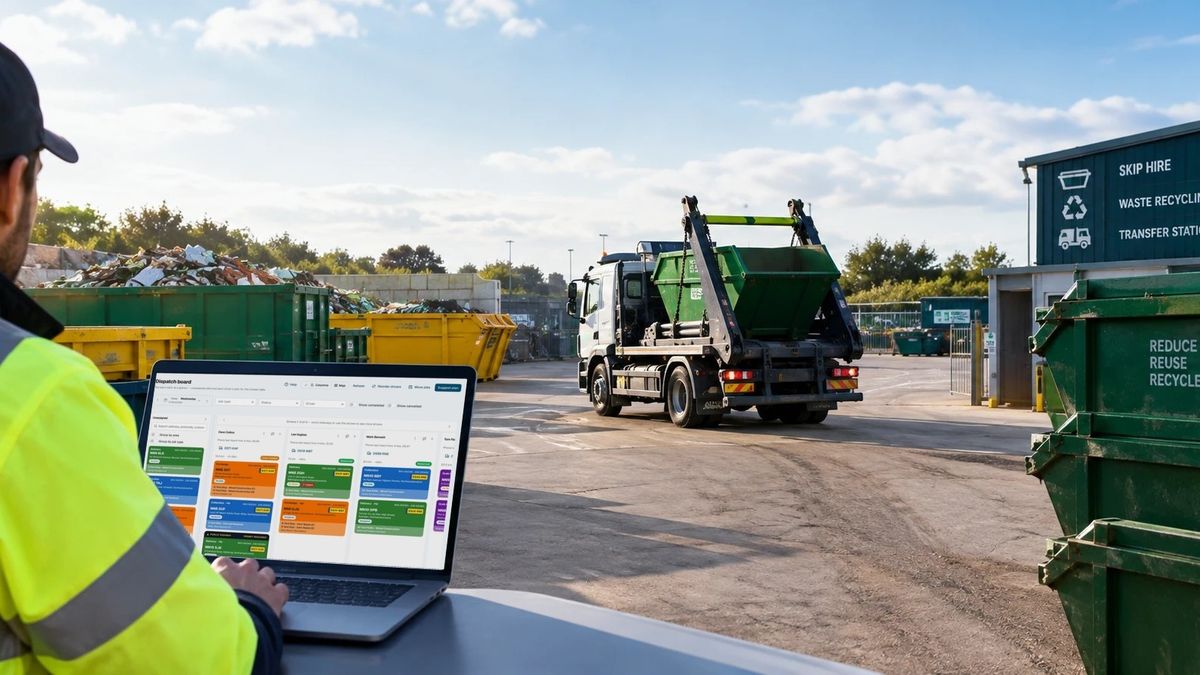
More on operationsA yard worker in hi-vis using the SkipM8 dispatch board on a laptop, with a skip lorry in the yard behind

Invoicing

Invoices from completed jobs, paid by card or synced

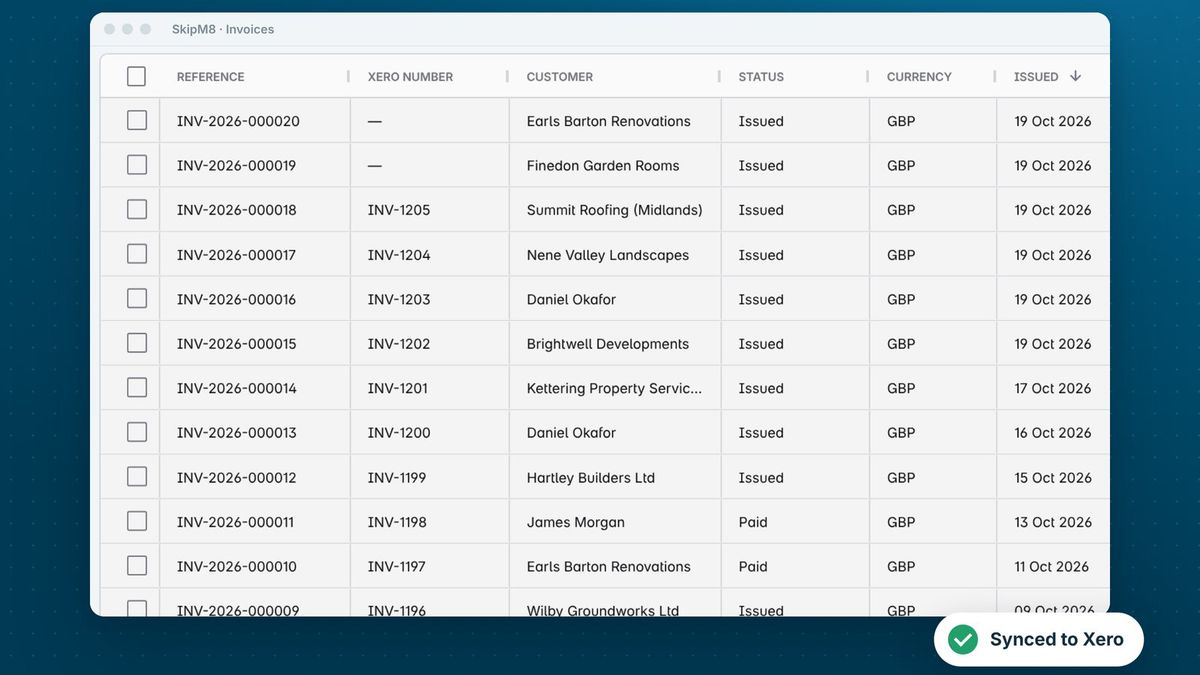
More on invoicingThe SkipM8 invoice list showing each invoice with its Xero number

Our growing customer base

Skip hire and waste businesses across the UK run their bookings, dispatch and paperwork on SkipM8.

Common questions

Which plans include M8?

M8 is on the Starter, Grow, Pro and Enterprise plans. It is not on the free Solo plan.
How many messages do I get?

Starter includes 100 messages a month, Grow 300, and Pro and Enterprise 1,000. Every message you send counts, including picking one of M8's options. Once you have used 80%, M8 shows how many are left and when they reset.

What happens if we use them all?

M8 stops until the next month, unless someone who manages billing agrees to pay as you go for that month. Extra messages are then 5p each, added to your SkipM8 bill. You have to agree again each month, so you are never charged for extra messages you did not agree to.

Can M8 change my records?

Not on its own. It can set up a few changes, such as a collection or a simple booking, on a card for you to check. Nothing changes until you press Confirm. It does not raise invoices, take payments or cancel anything.

What if M8 can't answer?

It points you to Help & guides and offers to pass your question to the SkipM8 team, with your chat if you choose to send it. Give any reply a thumbs up or down to tell us how M8 did.

Are my chats kept?

Your chats are saved for 30 days so you can reopen them from M8's Recent list. Only you can see them, and they are not used to train M8.

See SkipM8 in action

Book a demo and we'll walk you through it with jobs like yours, or start on the free Solo plan today.