
SkipM8

Run waste in, waste out and DEFRA from one record

Waste comes in from your own lorries and other carriers, then goes on elsewhere, and keeping track of both by hand gets messy fast. SkipM8 records both sides, keeps a running balance of what's on site and builds the DEFRA receipts as loads come in.

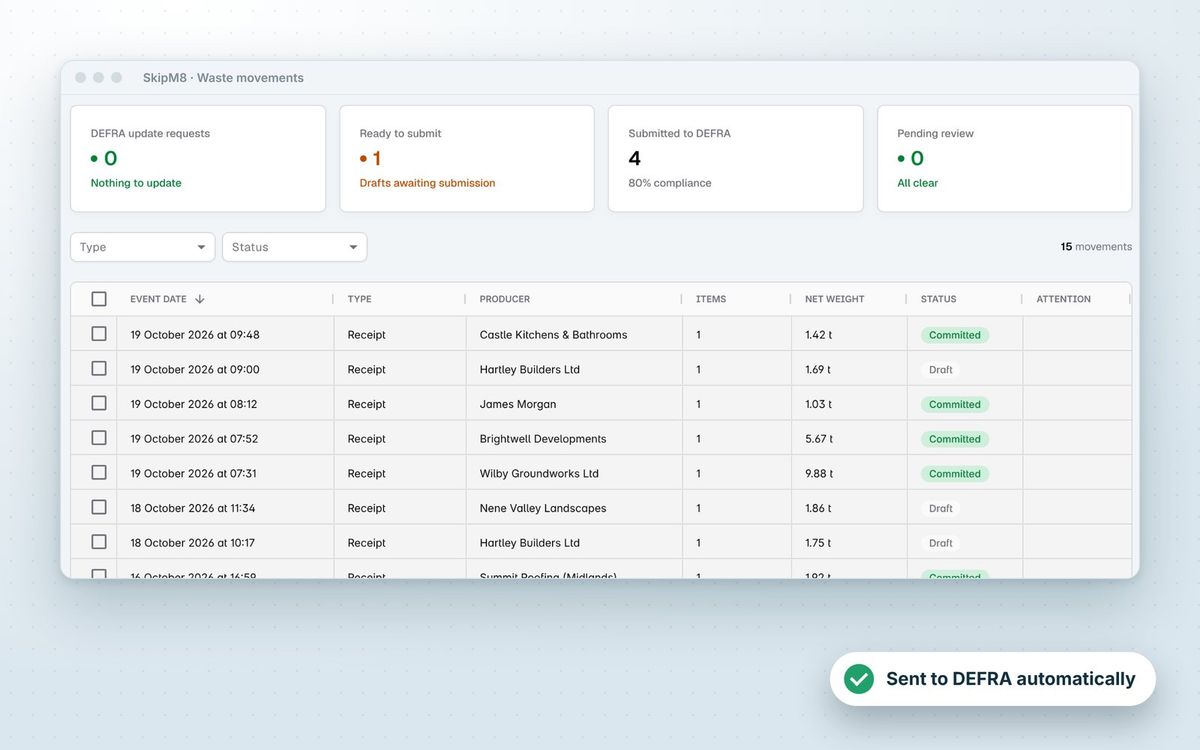
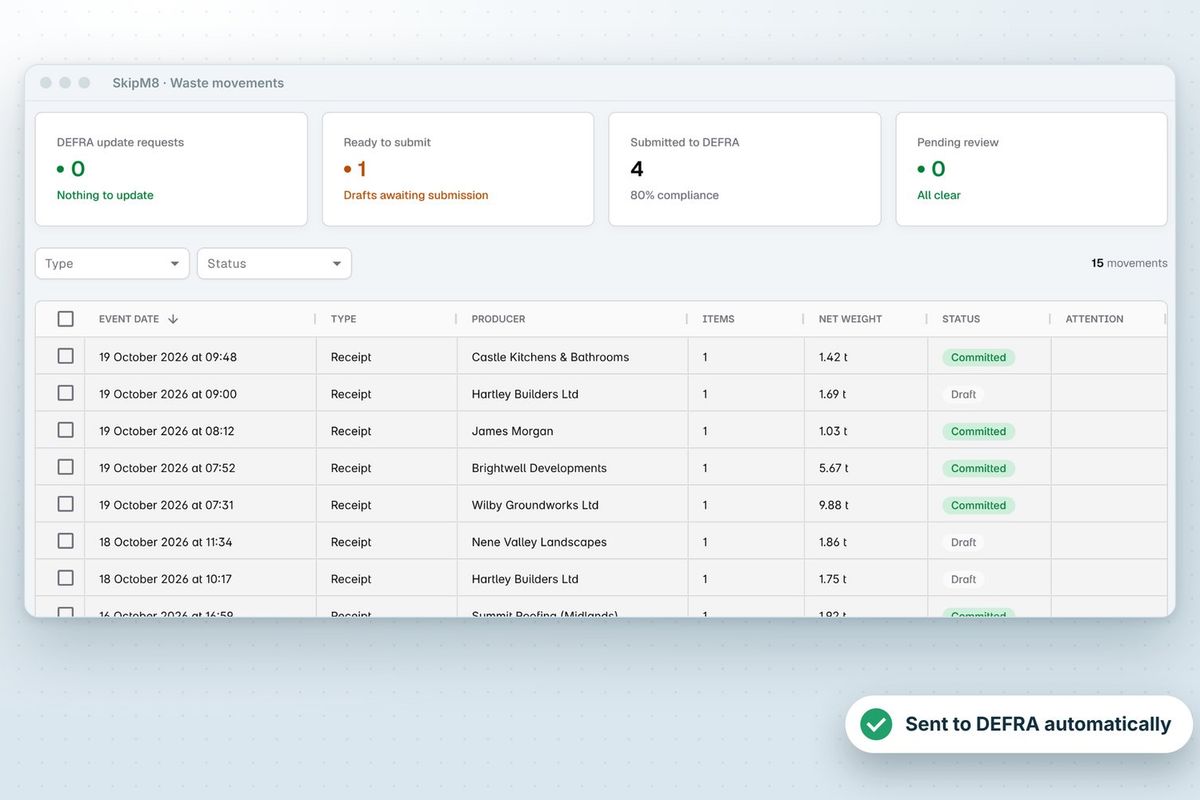
The waste movements list with receipts, producers, net weights and DEFRA submission status

Clear the gate quickly and get the receipt right

  • Record a tipped load against the carrier and their vehicle, with each waste type's weight and container.
  • Price each waste line with its VAT rate, and invoice the carrier straight from the load.
  • Get the carrier's signature on screen.
  • Break the load down by EWC code with any hazardous or POPs details.
  • Confirm it and the receipt is ready to submit to DEFRA.
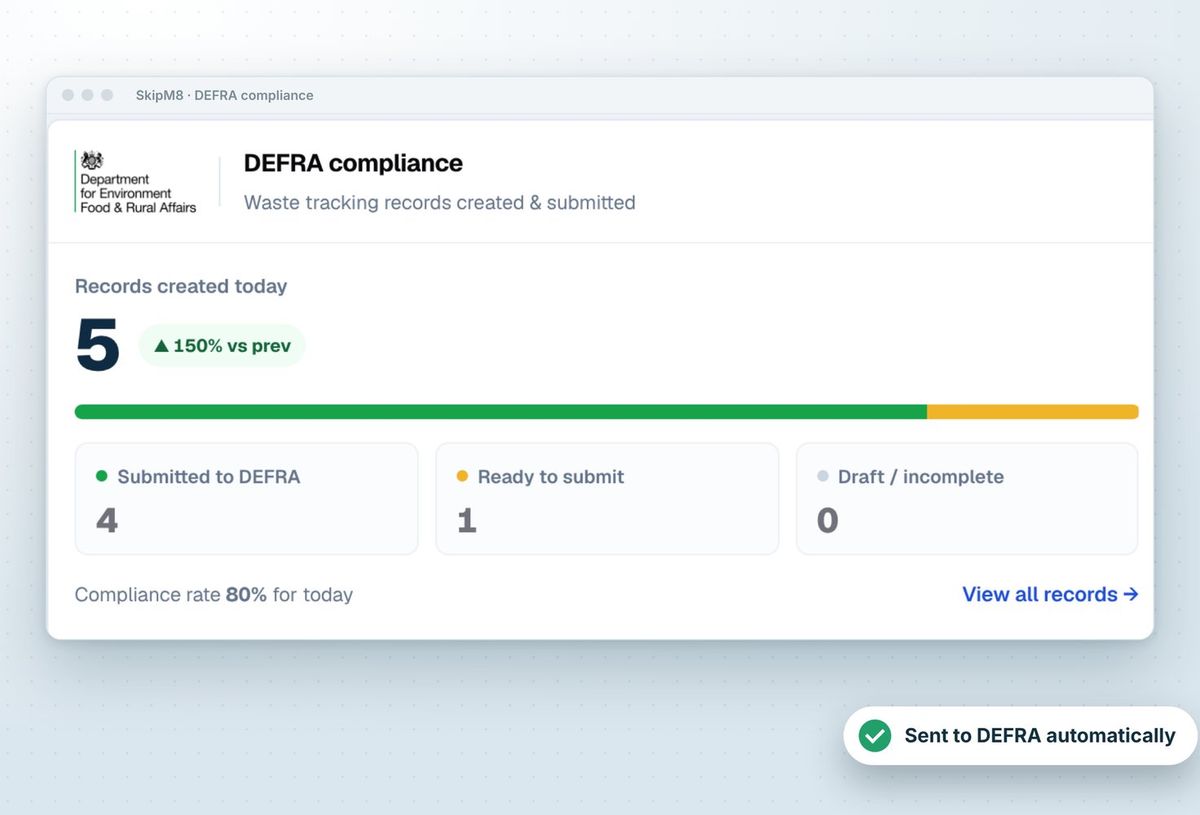
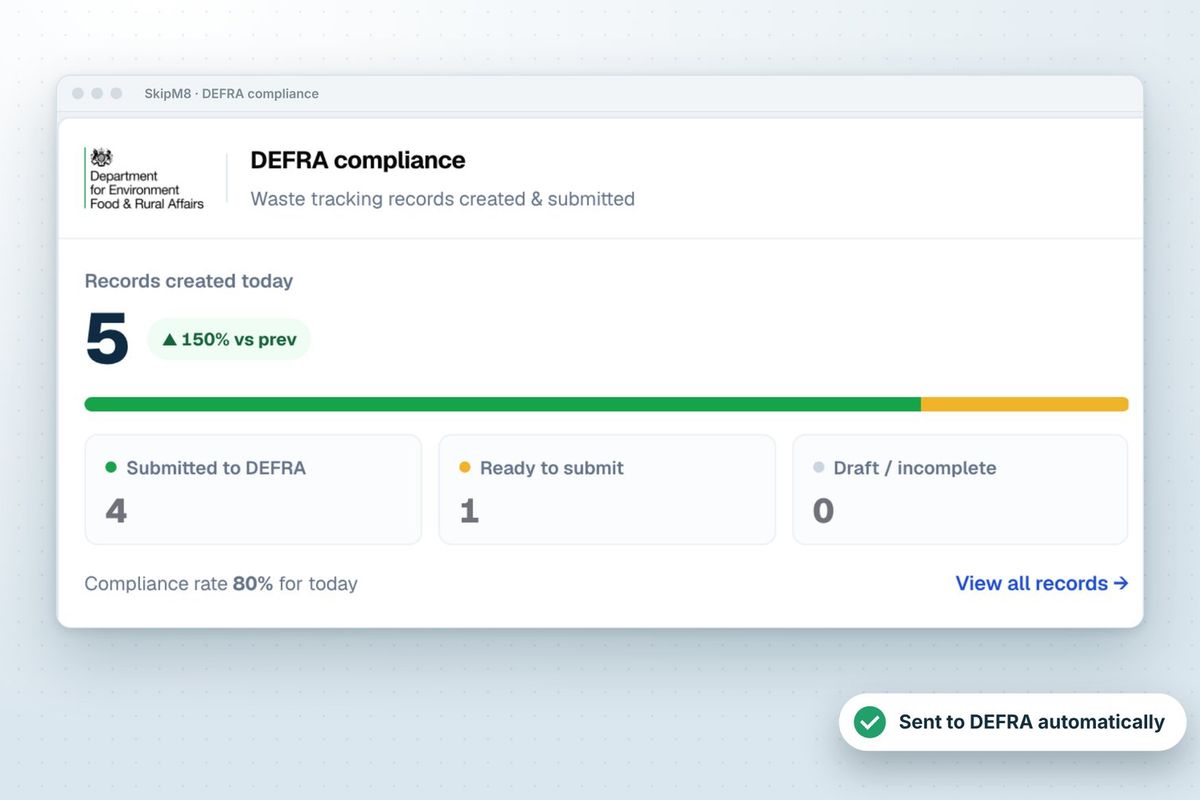
The DEFRA compliance panel showing records created today, submitted, ready and needing attention

Send loads on knowing what they'll cost or earn

  • Record an outbound load to a disposal or recovery facility and a driver job is created for you.
  • Let the driver record the weighbridge weight and a signature in the SkipM8 driver app.
  • Get the outbound transfer note once the job's done.
  • See the expected cost or revenue from each facility's rates before the load leaves.
  • Invoice facilities that pay you, such as metal merchants.
Illustration of a waste lorry

Know what's on site and what it's worth

The station balance shows how much of each waste type has come in, gone out and is still on site, for any date you pick.

The outbound summary shows the cost, revenue and net of loads sent out over a date range, by waste type and destination, so you see where the margin goes.
How loads move through your station

  1. Record each load tipped at your gate against the carrier and vehicle, with its weights and the carrier's signature.
  2. Price each waste line and raise an invoice to the carrier from the load.
  3. Break the load down by EWC code and confirm it, ready to submit to DEFRA.
  4. When waste goes on to another facility, record the outbound load and a driver job is created for it.
  5. Check the station balance to see how much of each waste type you are holding.

Related features

DEFRA

Waste receipts sent to DEFRA's tracking service

More on DEFRASkipM8 waste movements list showing receipts, producers, net weights and DEFRA submission status

Waste & recycling

Every load recorded for DEFRA

More on waste & recyclingThe dashboard's DEFRA compliance panel showing records created today, submitted, ready and needing attention

Our growing customer base

Skip hire and waste businesses across the UK run their bookings, dispatch and paperwork on SkipM8.

Transfer station questions

Can we correct a tipped load after it is confirmed?

Yes. You can change a waste line's waste type, container, weight, price and VAT. The DEFRA receipt is rebuilt, and you choose what happens to an invoice already issued.

How are weights recorded?

Weights are entered for each waste line when the load is recorded at the gate. On outbound runs the driver enters the weighbridge weight in the driver app.

Can we amend an outbound load?

Yes, including after it is confirmed. The waste and its jobs can be changed, and a draft invoice to the facility follows the change.

Which plans include Waste In?

Recording waste brought to your site (Waste In) is on the Grow, Pro and Enterprise plans.

See SkipM8 in action

Book a demo and we'll walk you through it with jobs like yours, or start on the free Solo plan today.




