
Keep commercial bin rounds running without rebooking every visit
Commercial bins are a long hire with regular visits, and booking each empty by hand eats office time. Deliver the bin once and SkipM8 keeps it on the customer's account, creating the empties on your schedule.
Every visit becomes a job on the dispatch board and in the driver app, with its own paperwork.
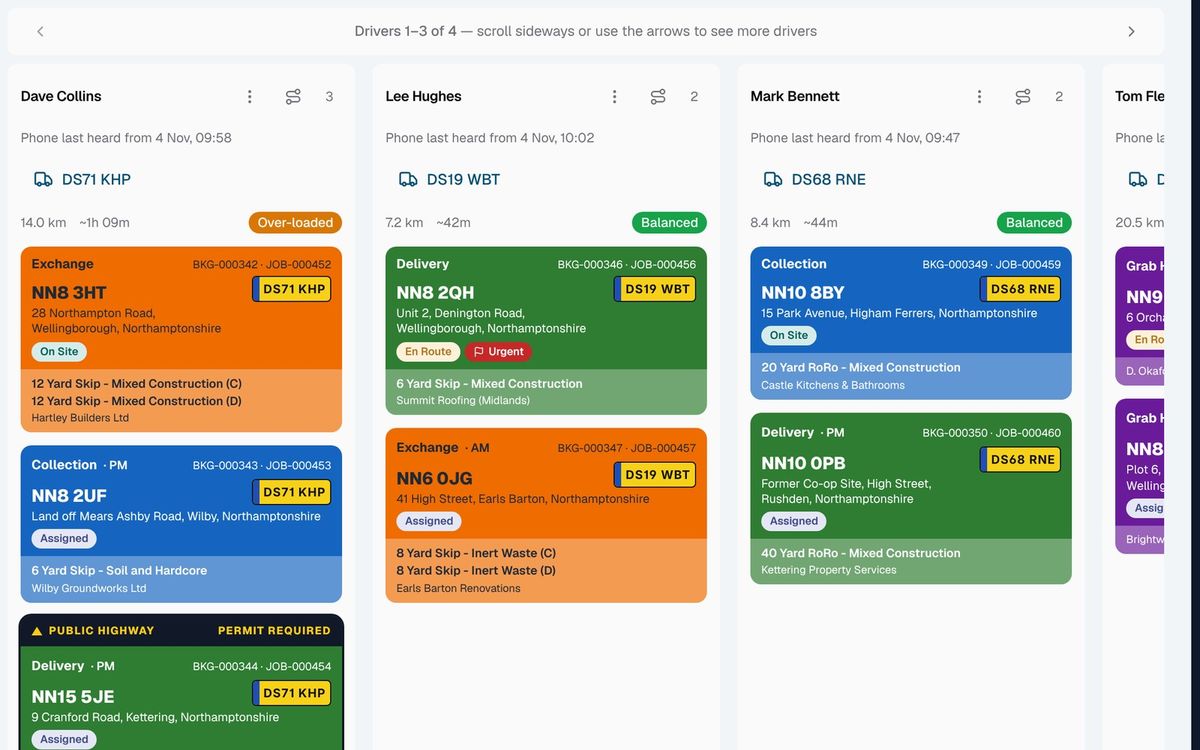
Set a customer up once, then let the schedule do the work
- Offer your own bin sizes, starting from 240, 660 and 1100 litre wheelie bins.
- Deliver the bin once and it stays on hire on the customer's account.
- Set how often it's emptied and a price per visit, and check the upcoming visits before you save.
- Pause, restart, change or end a schedule as the customer's needs change.
- Add an extra empty or a bin collection to the booking whenever they ask.
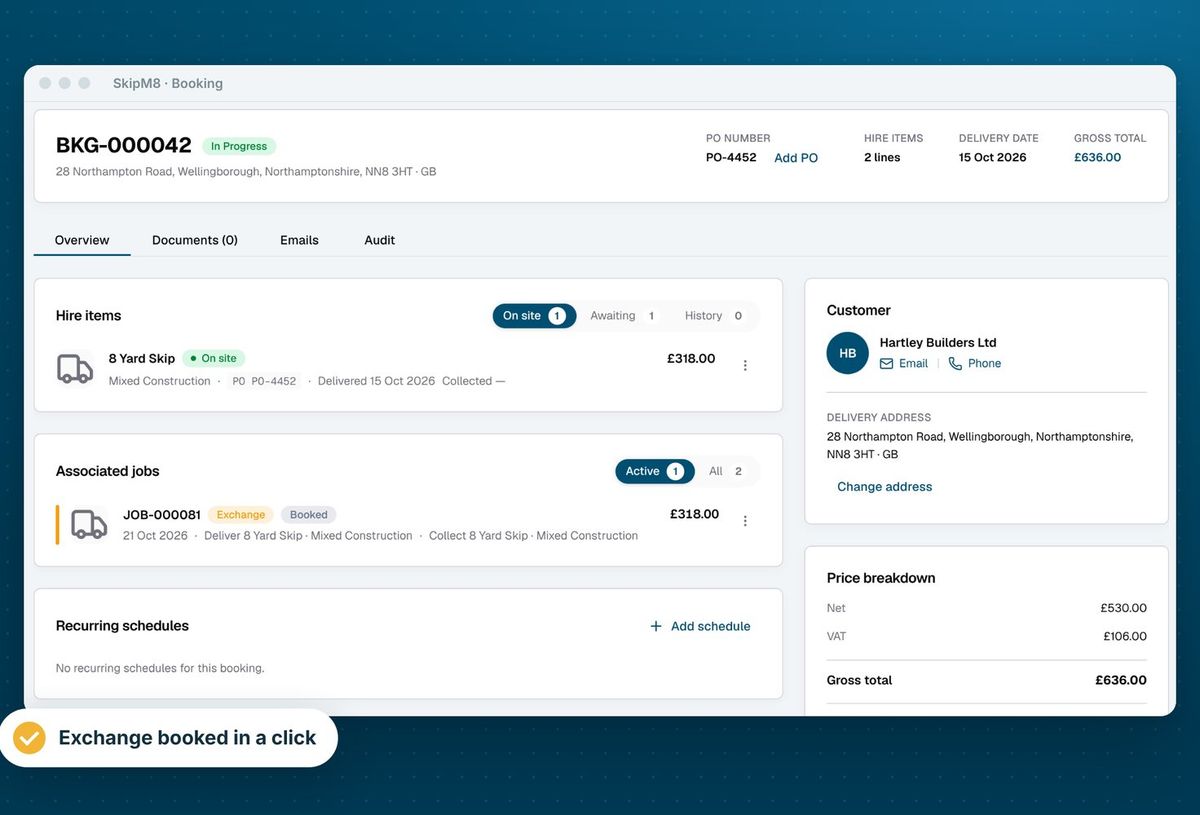
Get paperwork for every visit without filling it in
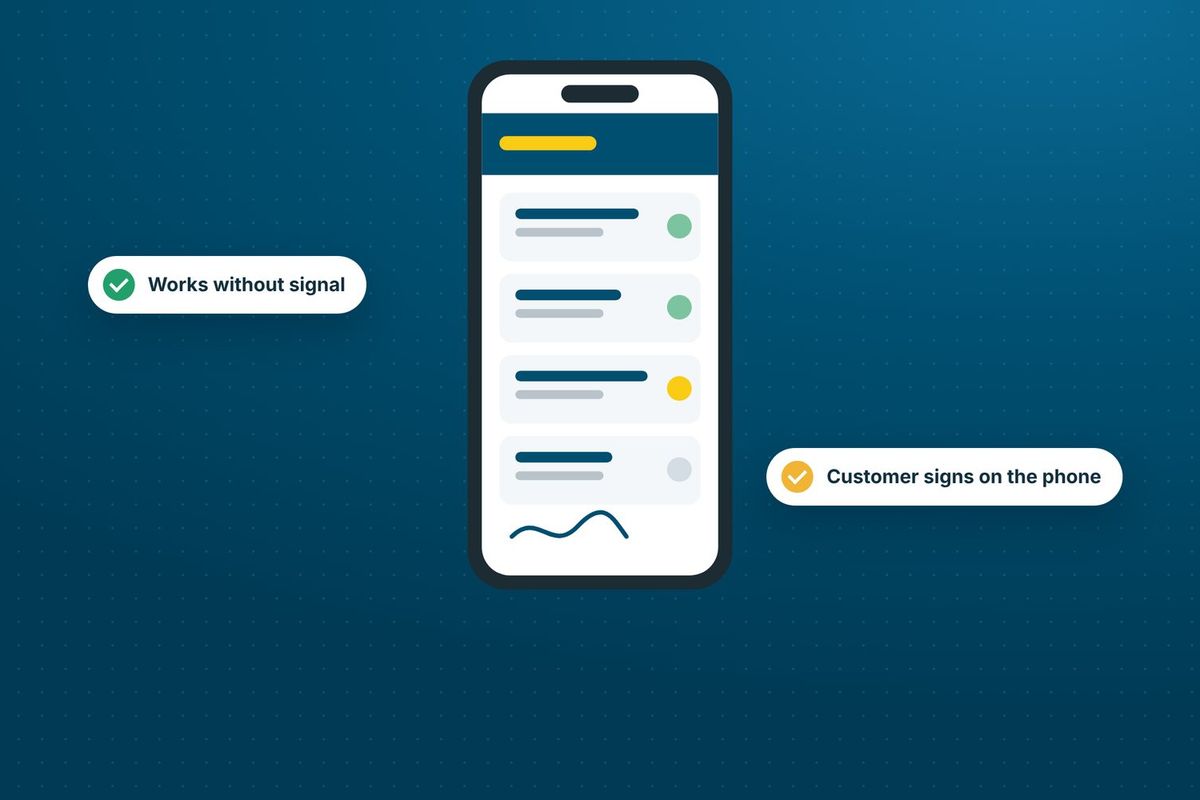
Each empty gets its own waste transfer note, signed by the customer in the driver app and emailed to them.
Waste brought back to your site is recorded for DEFRA's Digital Waste Tracking Service, so nobody in the office is keying it in afterwards.
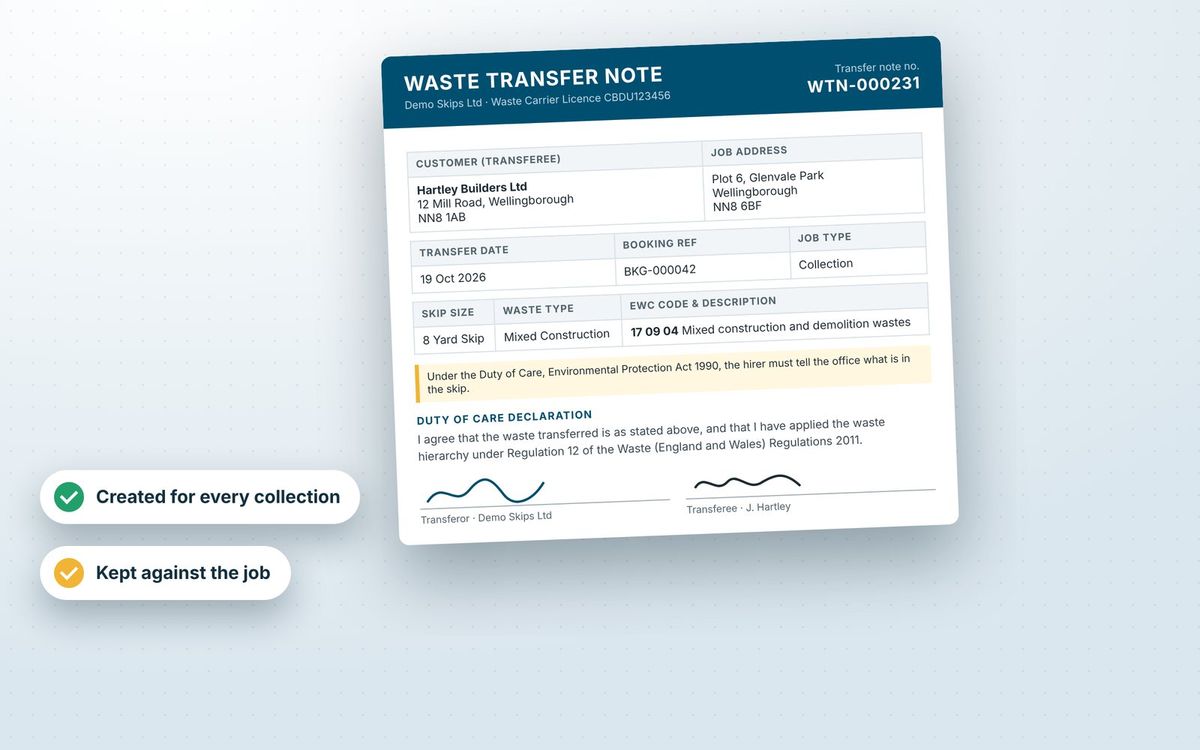
How a bin customer is set up
- Book the bin delivery and it stays on hire on the customer's account.
- Set how often it is emptied and the price per visit, and check the upcoming visits before you save.
- Each empty is created as a job on the dispatch board for you to assign.
- The driver empties the bin and takes the customer's signature for the waste transfer note in the driver app.
- The signed note can be emailed to the customer, and the waste is recorded for DEFRA when it comes back to your site.
Related features
Our growing customer base
Skip hire and waste businesses across the UK run their bookings, dispatch and paperwork on SkipM8.





Waste collection questions
Can we bill bin customers monthly?
Yes, on Grow and above. A customer on a weekly or monthly account has one running invoice for the period. Each visit is added to it and the invoice is issued when the period ends.
Can a schedule's price differ from our price list?
Yes. When you set up the schedule you can change the price per visit for that customer.
What happens to the schedule if we pause it?
No new visits are created while it is paused. Resume it and the visits start again.
See SkipM8 in action
Book a demo and we'll walk you through it with jobs like yours, or start on the free Solo plan today.