
Be ready for digital waste tracking without extra admin
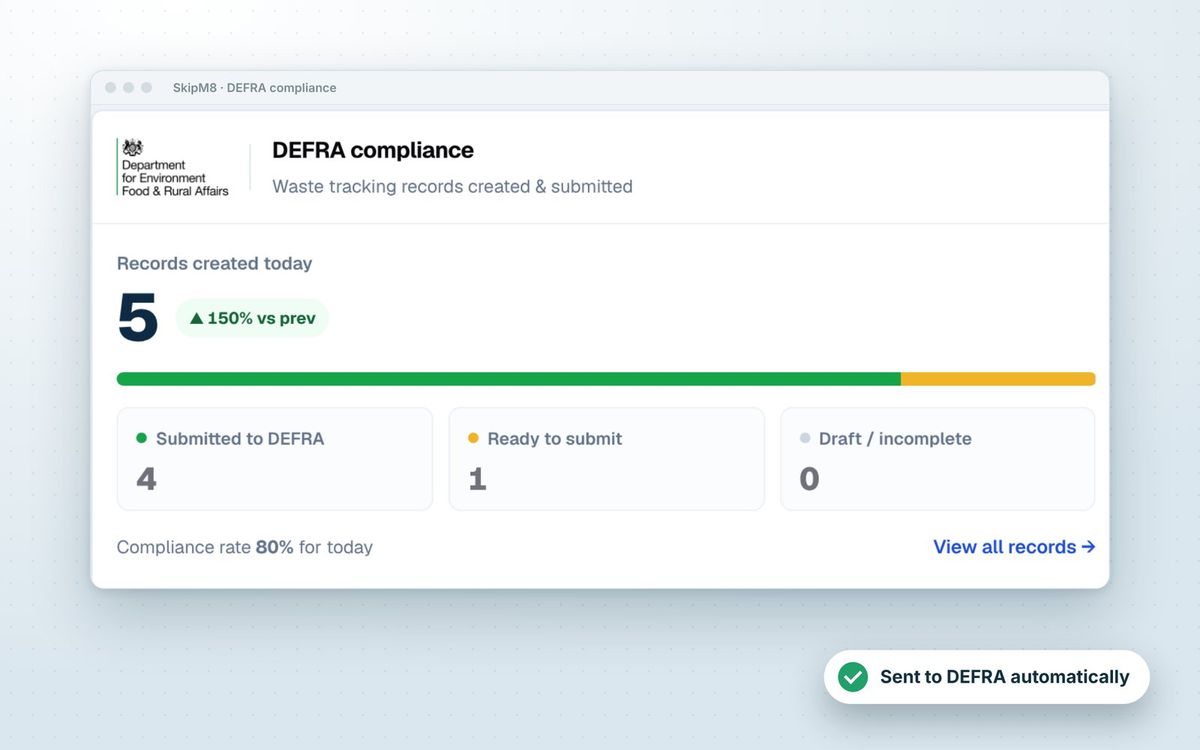
From October 2026, every permitted waste site in England, Wales and Northern Ireland must record each receipt of waste on DEFRA's Digital Waste Tracking Service, and regulators can see those records.
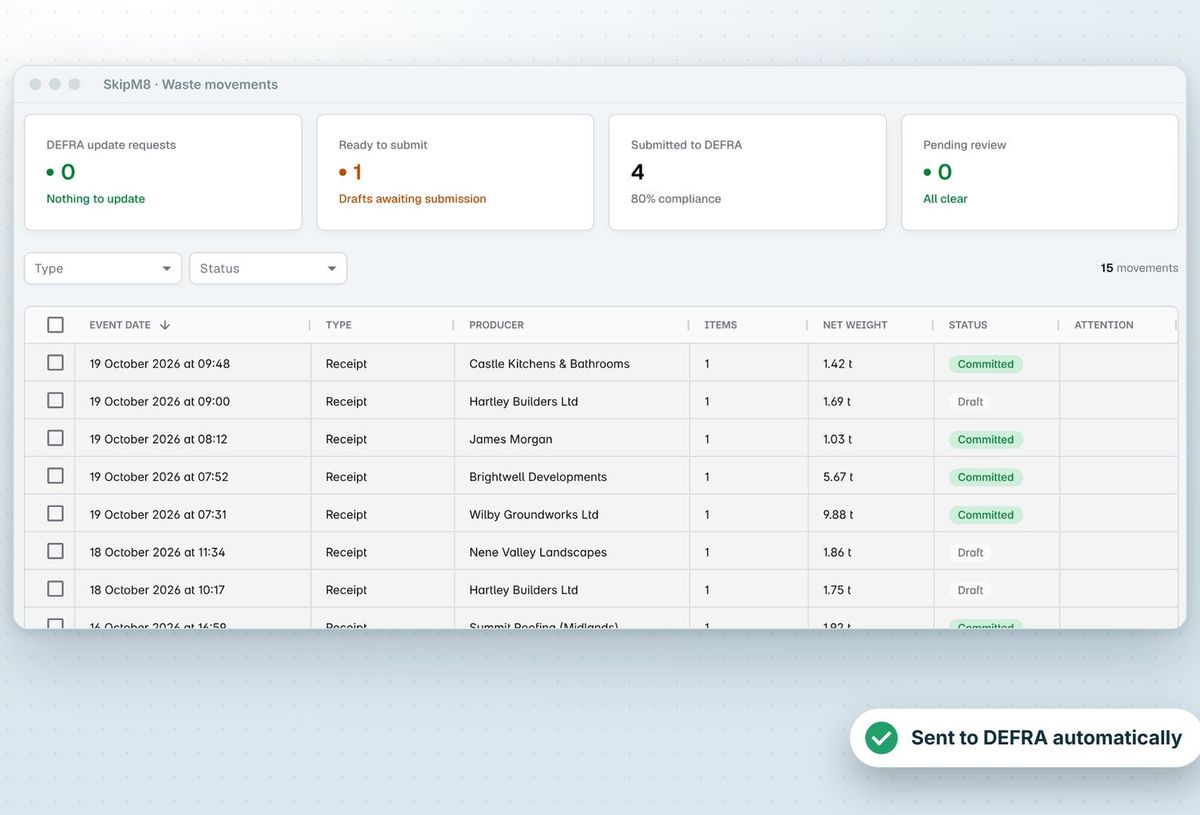
SkipM8 builds the record from work you're already doing: a completed collection, grab or clearance, or a load tipped at your gate, with the detail added when it's broken down at your depot. You check and submit from one list, or can have ready records sent automatically.
Classify waste once and stop re-entering codes
- Set up waste types with their EWC codes once, and they carry through to transfer notes and DEFRA records.
- Record hazardous and POPs details where a load needs them.
- Break a load down by EWC code at the depot, including a code you find on tipping.
- Fix weights and the breakdown after the job, and the DEFRA record is rebuilt to match.
Know what every outbound load costs or earns you
- Record each load leaving your site for a disposal or recovery facility.
- Keep each facility's rates to hand, whether they charge you or pay you.
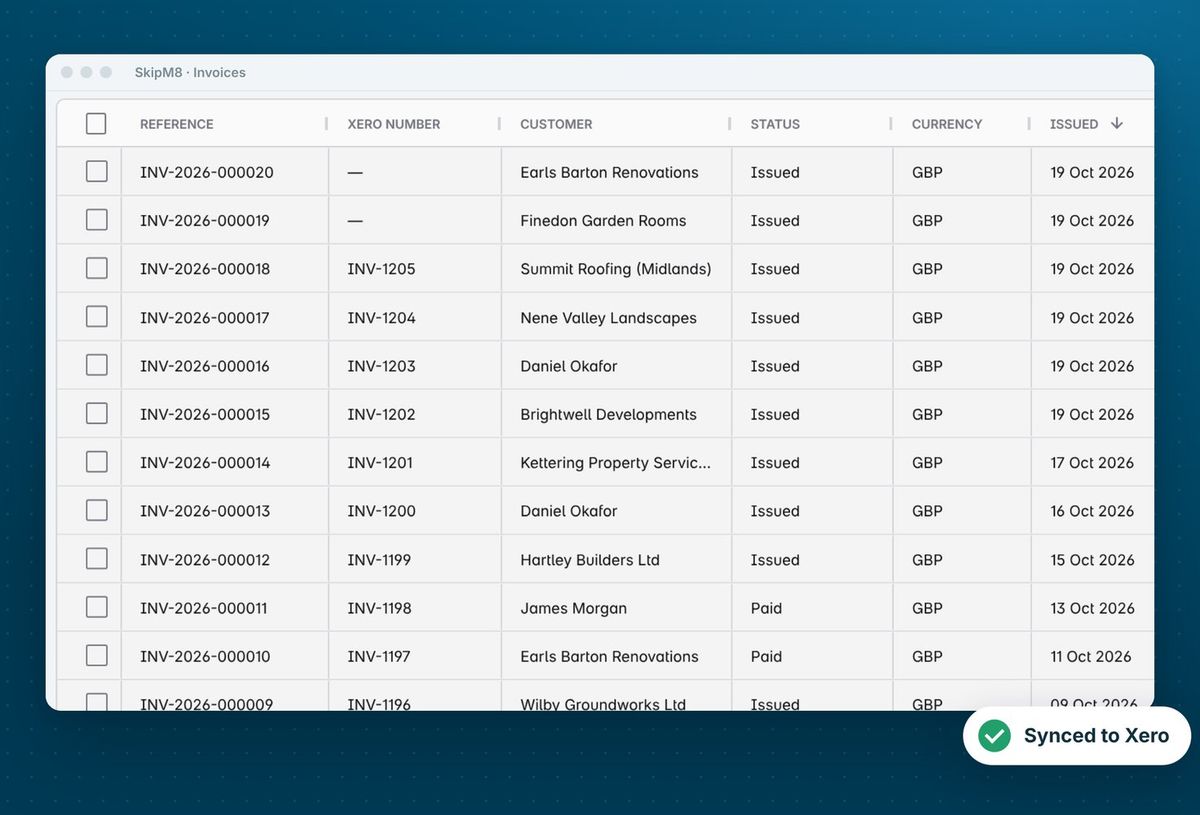
- Bill a facility that pays you for a load, such as a scrap metal merchant.
- See what you're holding by waste type, and the cost, revenue and net of loads sent out.
How a load becomes a DEFRA record
- Set up your waste types with their EWC codes once.
- A completed collection, grab or clearance, or a load tipped at your gate, creates a waste receipt at your site.
- At the depot, record the load's weights and break it down by EWC code.
- Check the receipt and submit it to DEFRA, or have ready receipts sent automatically.
- Record each load you send on to a disposal or recovery facility, at that facility's rates.
Related features
Waste transfer stations
Tipping and Waste Out loads, weighed and recorded
More on waste transfer stations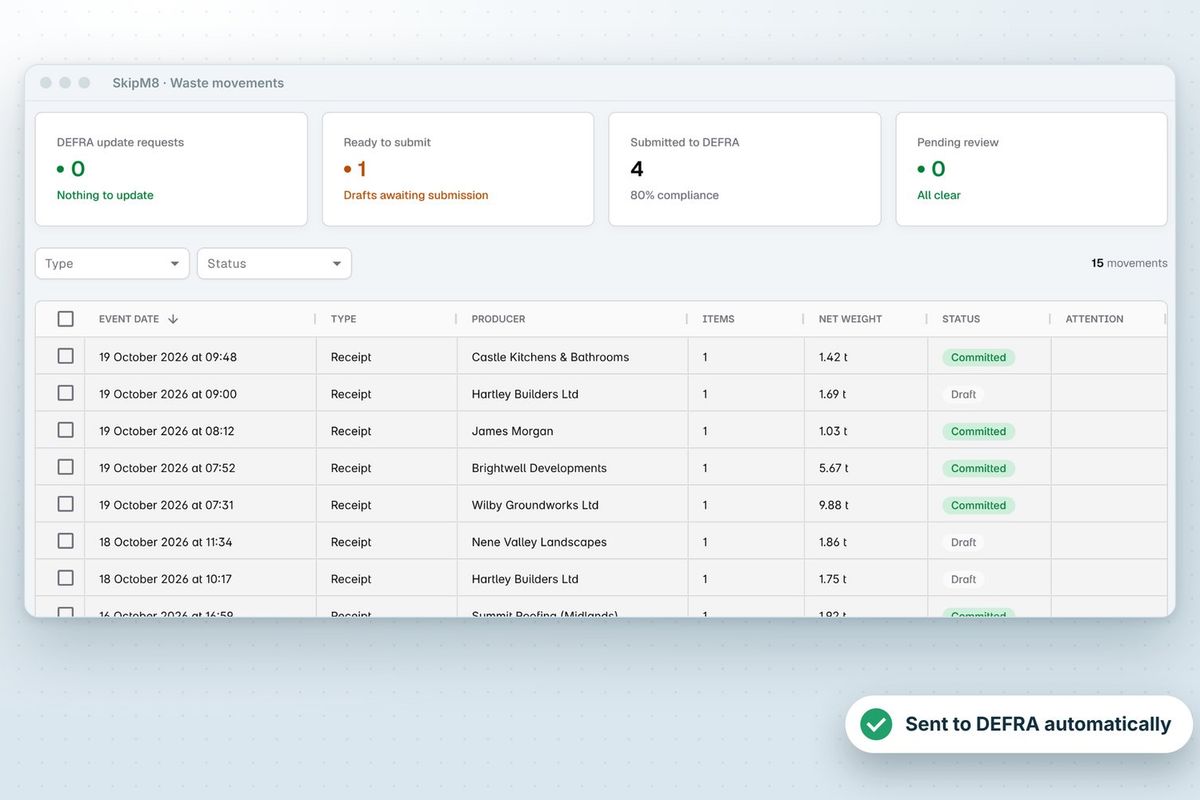
Our growing customer base
Skip hire and waste businesses across the UK run their bookings, dispatch and paperwork on SkipM8.





Waste and recycling questions
Does SkipM8 submit to DEFRA for us?
SkipM8 builds each record and sends it to DEFRA's Digital Waste Tracking Service when you submit it, or automatically if you switch that on. Records missing information are flagged for you to fix first.
Can we record a waste movement by hand?
Yes. You can enter a receipt by hand, for example for waste received before you moved to SkipM8.
What if a load was recorded with the wrong weight?
You can amend the weights and breakdown afterwards. A record already submitted to DEFRA is updated with the correction.
Which plans include recording loads tipped at my site?
Waste In, for loads tipped at your site by other carriers, is on the Grow, Pro and Enterprise plans. Waste your own drivers bring back is recorded on every plan.
See SkipM8 in action
Book a demo and we'll walk you through it with jobs like yours, or start on the free Solo plan today.