
SkipM8

A waste transfer note for every collection, without writing one

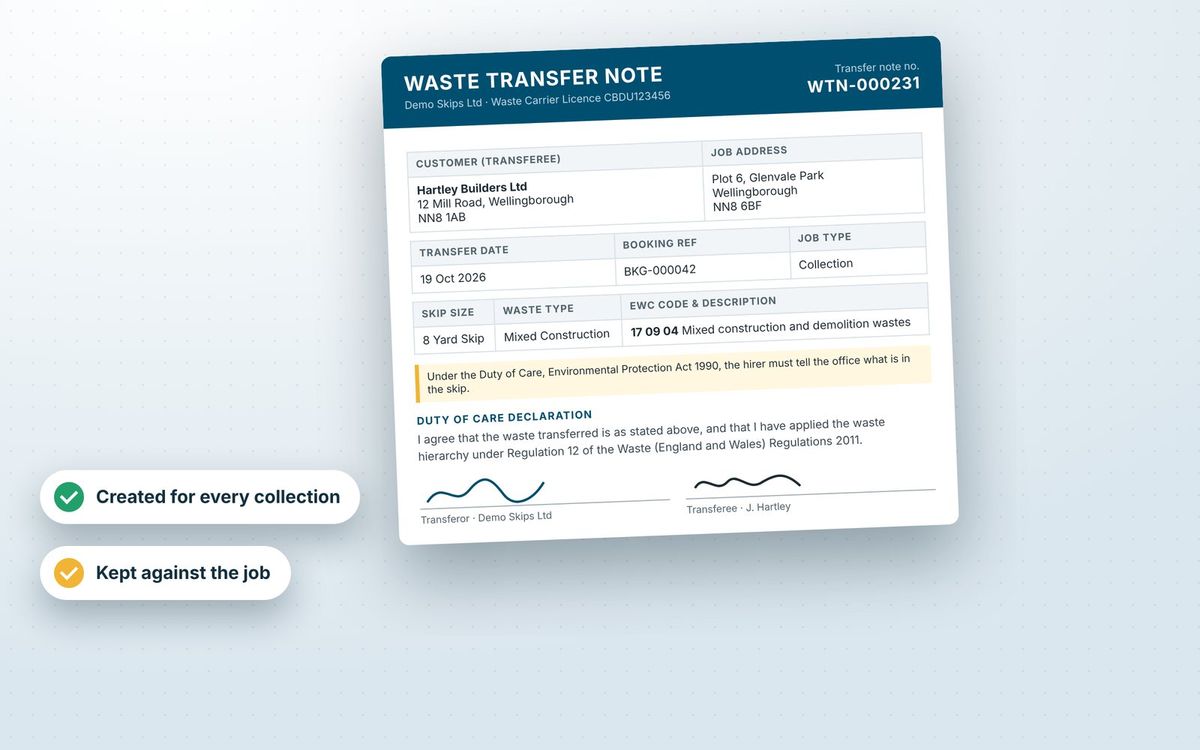
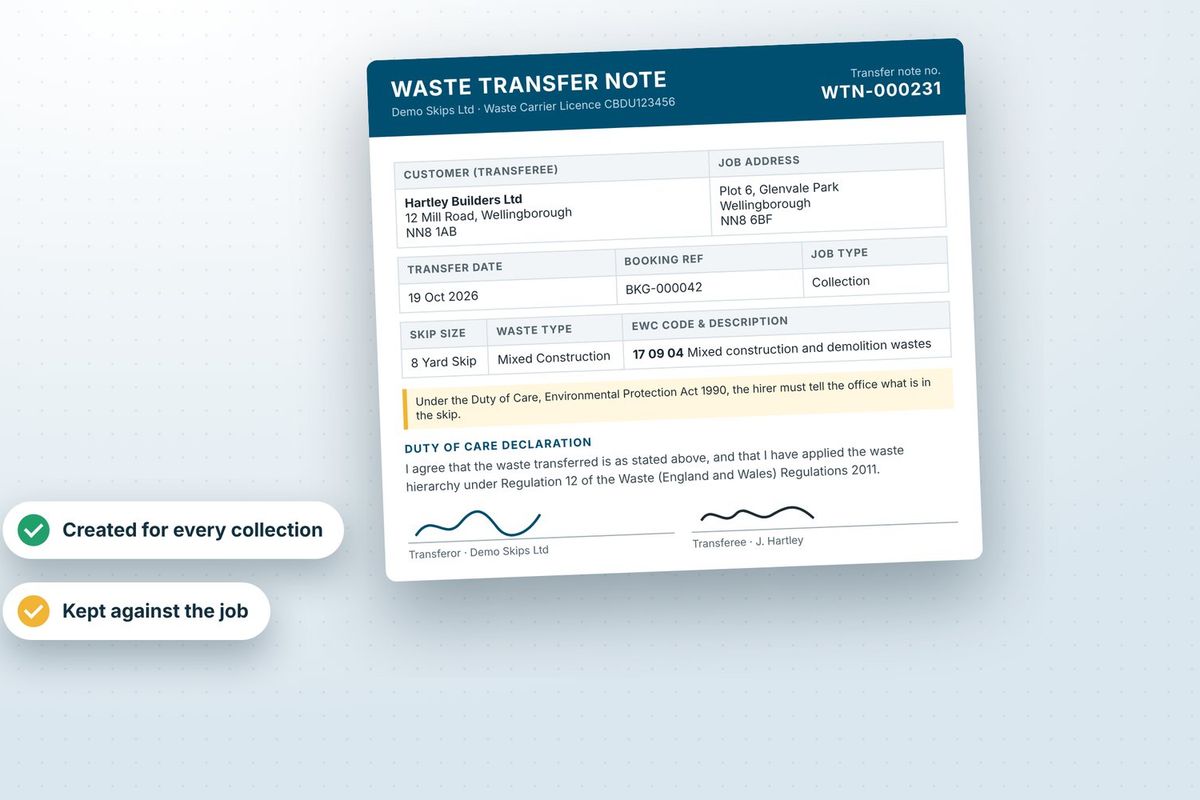
Waste transfer notes are required under the Duty of Care (Environmental Protection Act 1990, section 34). Instead of filling them in by hand, SkipM8 creates one for every job that takes waste away: collections, exchanges, wait and load, grab hire, rubbish clearance and bin jobs.

The note is ready to print as soon as the job's booked. When the job's completed, the signed copy replaces it and is emailed to your customer.

Every note is kept with the job and listed in your waste transfer note register, so there's no paper to file or chase.

A waste transfer note showing an EWC code, the parties and signatures

When each note is created

  1. When you book a collection, an advance copy appears on the booking's Documents tab, ready to print.
  2. The advance copy is not emailed, because nothing has changed hands yet.
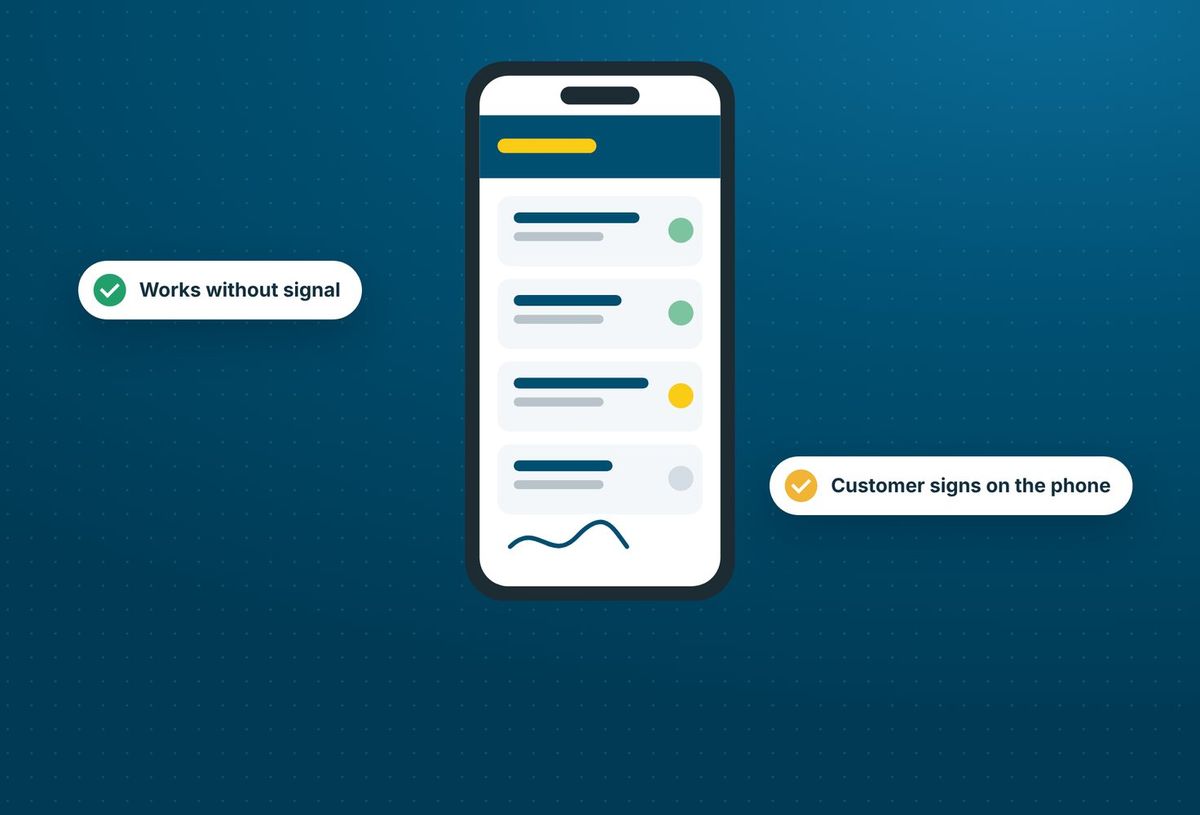
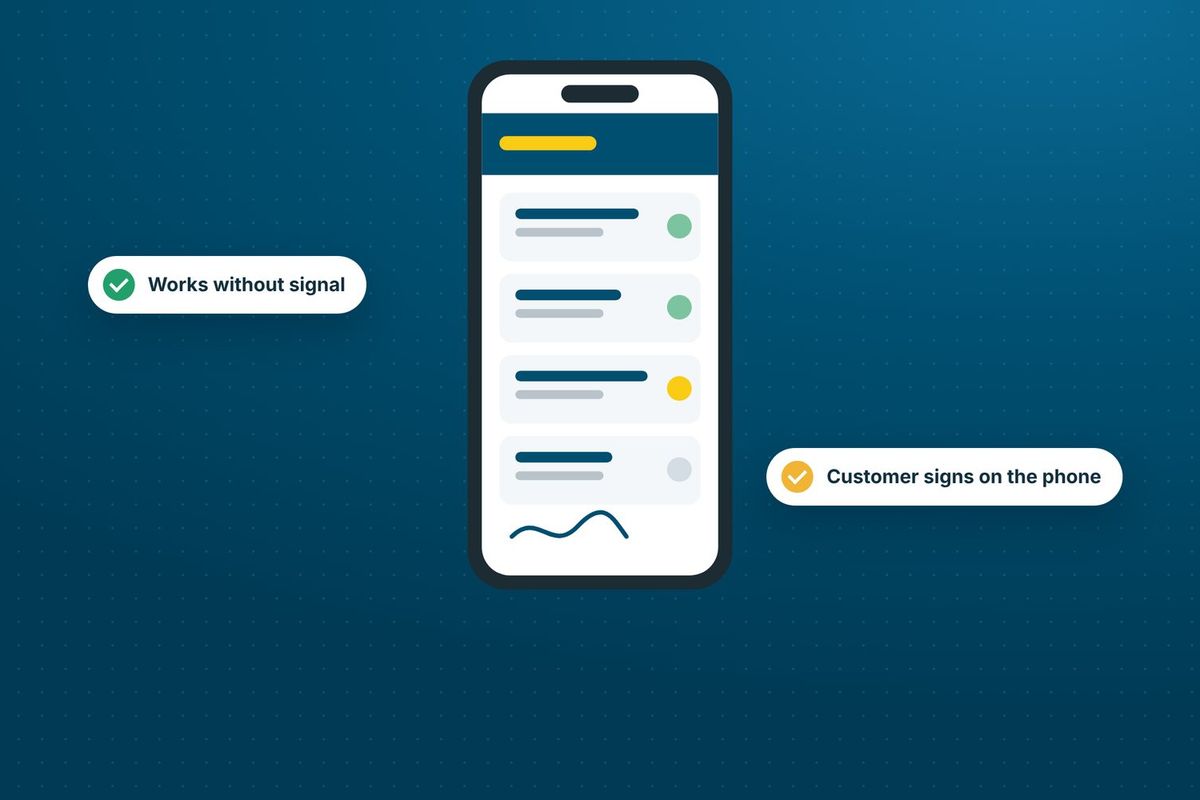
  3. On site, the customer signs on the driver's phone and gives their name.
  4. When the job is completed, the signed note replaces the advance copy and keeps the same number.
  5. The signed note is emailed to the customer and kept with the booking.

Keep your own transfer note, without filling it in

On the Grow, Pro and Enterprise plans, upload your transfer note as a Word document and SkipM8 fills in the details on every job.

  • Keep your own branding, wording and layout, designed in Word.
  • Pull in the customer, job address, date, hire items, waste types and EWC codes automatically.
  • Show your waste carrier registration and site permit number on every note.
  • Add the customer's signature and your own company signature as images.
  • Check your template with sample data before you save it.
  • Start straight away with SkipM8's built-in layout until you upload your own.
The SkipM8 driver app on a phone, showing a jobs list and a customer signature

Find or reprint any note in moments

Need a fresh copy before the driver leaves? Press Print waste transfer note on the job page. The job's note is updated and printed, and it keeps the same number, so there's only ever one note per job.

Every note you issue goes into the waste transfer note register under Compliance. Search it, filter by whether it's been sent, and download, print or email any note straight from the list.

Tipping loads confirmed at your transfer station (Waste In, on Grow and above) get a transfer note too, and they appear in the same register.
Related features

Duty of care

Waste codes and descriptions on every load

More on duty of careA waste transfer note showing an EWC code, the parties and signatures

Driver app

Jobs, photos and signatures on the driver's phone

More on driver appA phone running the SkipM8 driver app, showing a jobs list and a signature

Our growing customer base

Skip hire and waste businesses across the UK run their bookings, dispatch and paperwork on SkipM8.

Transfer note questions

Does a reprint use up a new number?

No. Every reprint of a job's note keeps the number it was first given, so the paper your customer signed matches the register.

Why are the weights blank on the signed note?

The load has not been weighed when the customer signs. Once the depot has recorded the weights, you can generate the note again from the job and it replaces the stored one, keeping its number.

Can we stop the note being emailed to customers?

Yes. The email is a setting on each job type's transfer note action, so you can switch it off and send notes yourself from the register.

Can we hand the driver a paper copy?

Yes. The note is on the booking from the moment the collection is booked, and you can print it from there or from the job page.

Can I use my own layout on every plan?

Every plan produces transfer notes using the built-in layout. Uploading your own layout is on the Grow, Pro and Enterprise plans.

See SkipM8 in action

Book a demo and we'll walk you through it with jobs like yours, or start on the free Solo plan today.




