SkipM8

Stop keeping your fleet in a spreadsheet

Keep every lorry, van and piece of plant in SkipM8 with its registration, make, model, fleet name, vehicle type and depot. See at a glance which are active, in maintenance, sold or written off.

Each job records the vehicle that did it. When the job's finished, that registration goes onto its waste record as the carrier, so nobody has to fill it in.

Illustration of a skip lorry

Set the lorry once and every job follows

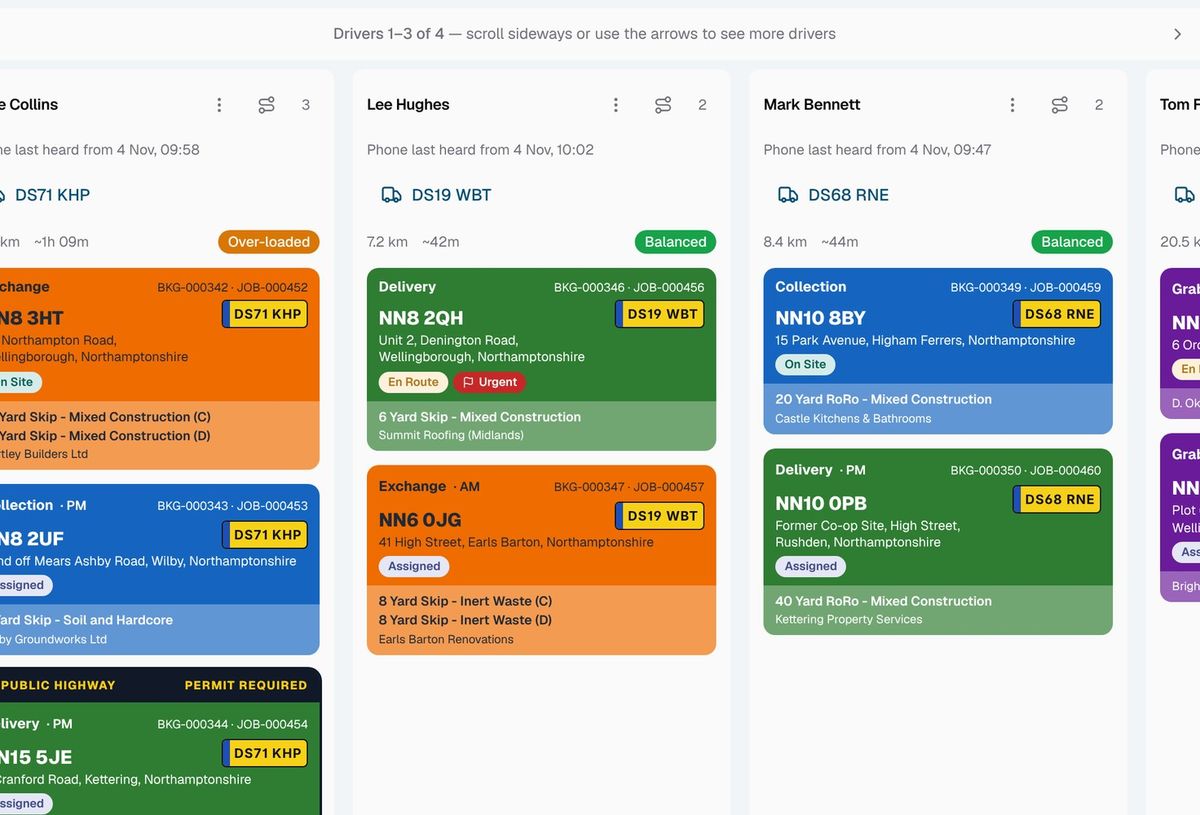
Tell the dispatch board which lorry each driver has for the day and SkipM8 handles every job.

  • Drop a job onto a driver's column and it goes out on their lorry for the day.
  • Set the lorries in the morning and jobs planned days earlier pick them up too.
  • Swap a broken-down lorry once and the driver's remaining jobs move with it.
  • Keep a vehicle you chose by hand for a particular job: SkipM8 leaves it as it is.
  • Finished jobs keep the vehicle they actually went out on.
The dispatch board with a column of jobs for each driver

Book the MOT before it's overdue, not after

A missed inspection means a lorry off the road. SkipM8 comes with common service types set up, including the annual MOT, 6-weekly inspection, minor and major services and LOLER inspection. Add your own too.

For each vehicle, set when each one's next due and how many days' warning you want. A lorry you can't spare for a week can get more notice than a van.

The dashboard shows what's overdue and what's due soon. Each morning, a summary email lands in your office inbox listing what needs booking, and anything still outstanding is repeated weekly until it's done.

Log a service and SkipM8 works out when the next one's due, so nobody's retyping dates.
Getting a vehicle's reminders set up

  1. Add the vehicle with its registration, type and depot.
  2. Set when its MOT and other checks are next due, even if it has no service history in SkipM8 yet.
  3. Choose how many days' warning you want for each one.
  4. Log each service when it is done, with who did it, and the next due date is set for you.

Related features

Driver app

Jobs, photos and signatures on the driver's phone

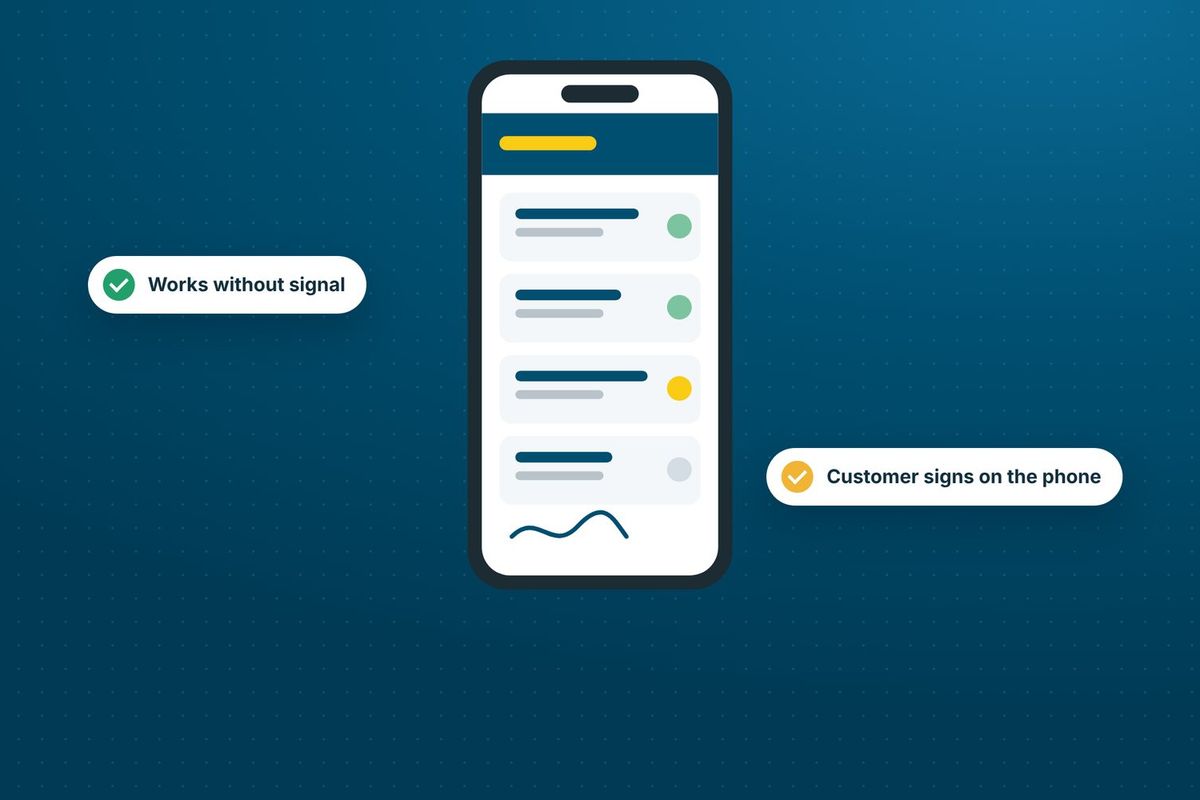
More on driver appA phone running the SkipM8 driver app, showing a jobs list and a signature

Compliance

DEFRA, duty of care and transfer notes in one record

More on complianceIllustration of a skip lorry

Our growing customer base

Skip hire and waste businesses across the UK run their bookings, dispatch and paperwork on SkipM8.

Common questions

Can I keep a vehicle's service history?

Yes. Each vehicle has a service history of what was done, when, by whom, with the mileage or hours and any notes.

Who gets the reminder email?

It goes to your organisation's main email address, which is usually a shared office inbox.

Can reminders be based on mileage?

Yes. Mileage reminders use the odometer reading drivers enter on their daily walk-round checks. Reminders based on operating hours are not available yet.

Which plans include service records and reminders?

Vehicle service records, service schedules and the reminder email are on the Grow, Pro and Enterprise plans.

See SkipM8 in action

Book a demo and we'll walk you through it with jobs like yours, or start on the free Solo plan today.