
Know what's happening across your business, without chasing anyone
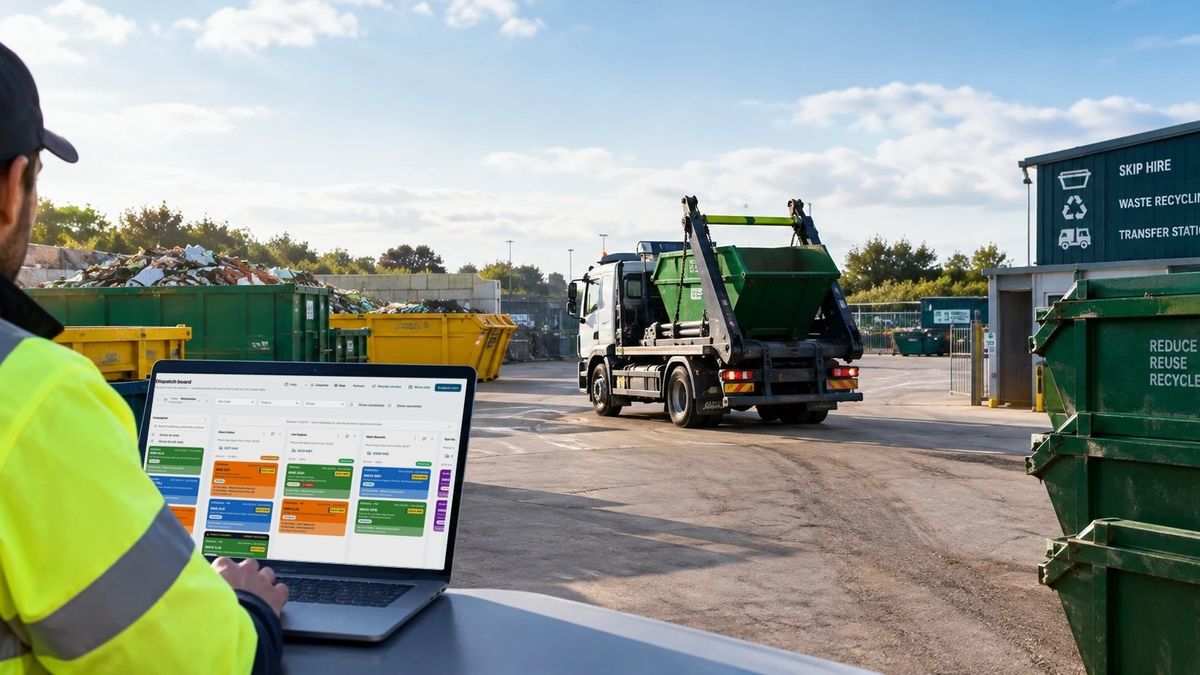
When bookings live in a diary, jobs on a whiteboard and invoices somewhere else, someone always has to ring round to find out what's going on. SkipM8 puts the whole operation in one place, so everyone in the office sees the same picture and nobody has to ask.
Open SkipM8 in the morning and your day is already laid out: the jobs and what they're worth, what's been billed, which containers are overdue, waste records waiting for DEFRA and vehicles due a service.
Running more than one depot? See each one on its own, or all of them together.
Never promise a skip you haven't got
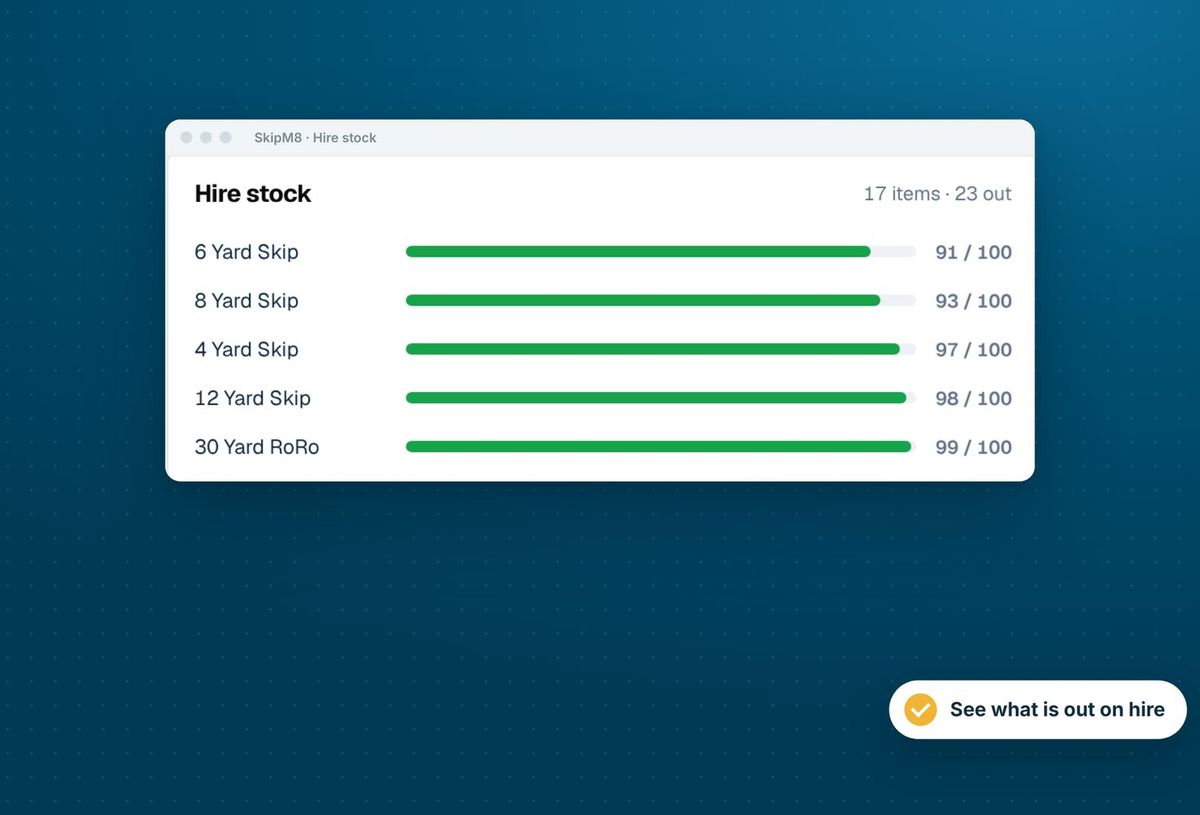
SkipM8 keeps count as your drivers complete their jobs, so your stock figures are always right and nobody walks the yard with a clipboard.
- Know how many of each size are out and how many are free before you take the booking.
- Chase overdue hires quickly by showing only the containers past their return date.
- See today's jobs, containers on hire and those ready to collect on one map.
- Know where your drivers are while they share their location from the driver app.
- Trace any container by the number painted on its side.
Turn 'it's full' calls into planned collections
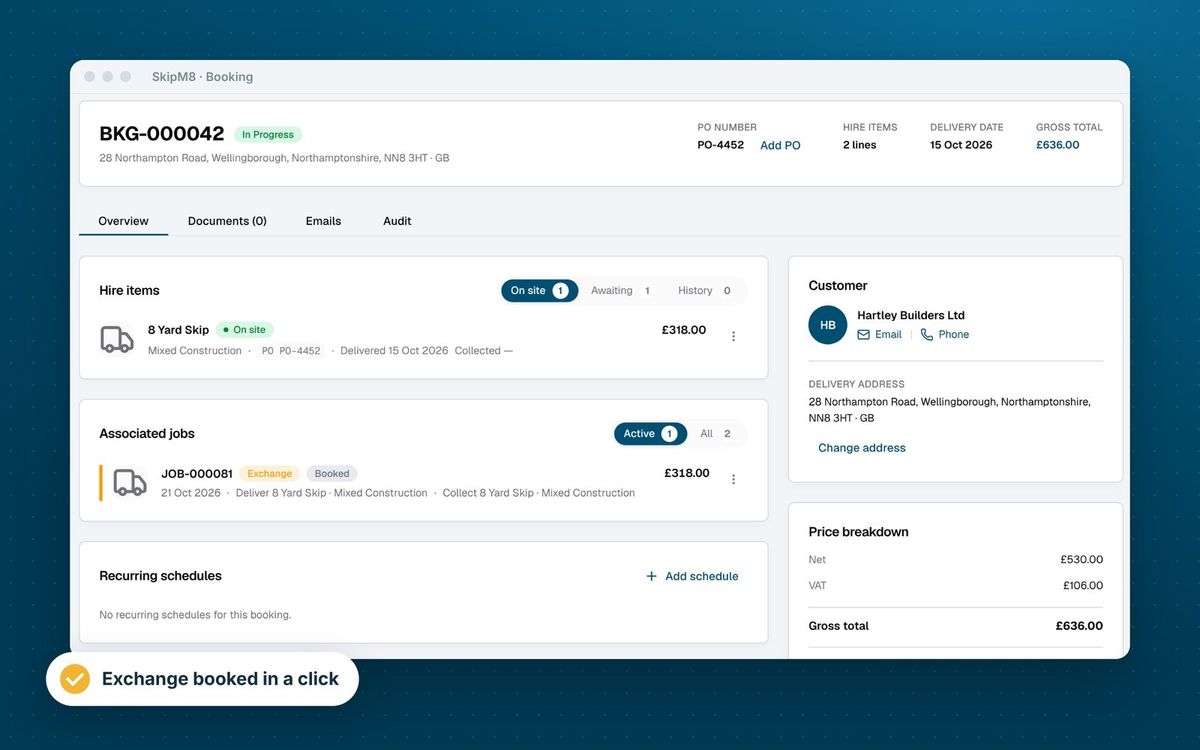
Mark it ready to collect on the booking and get back to the call. There's no need to pick a day or a driver there and then.
It waits on the dispatch board, longest first, with its address, what3words location and how long it's been on site, so your planner can fit it into the best run. Once the collection is booked, it clears itself from the list.
Explore the operations tools
Scheduling and planning
Plan each driver's day on the dispatch board, with suggested plans and route ordering.
See scheduling and planning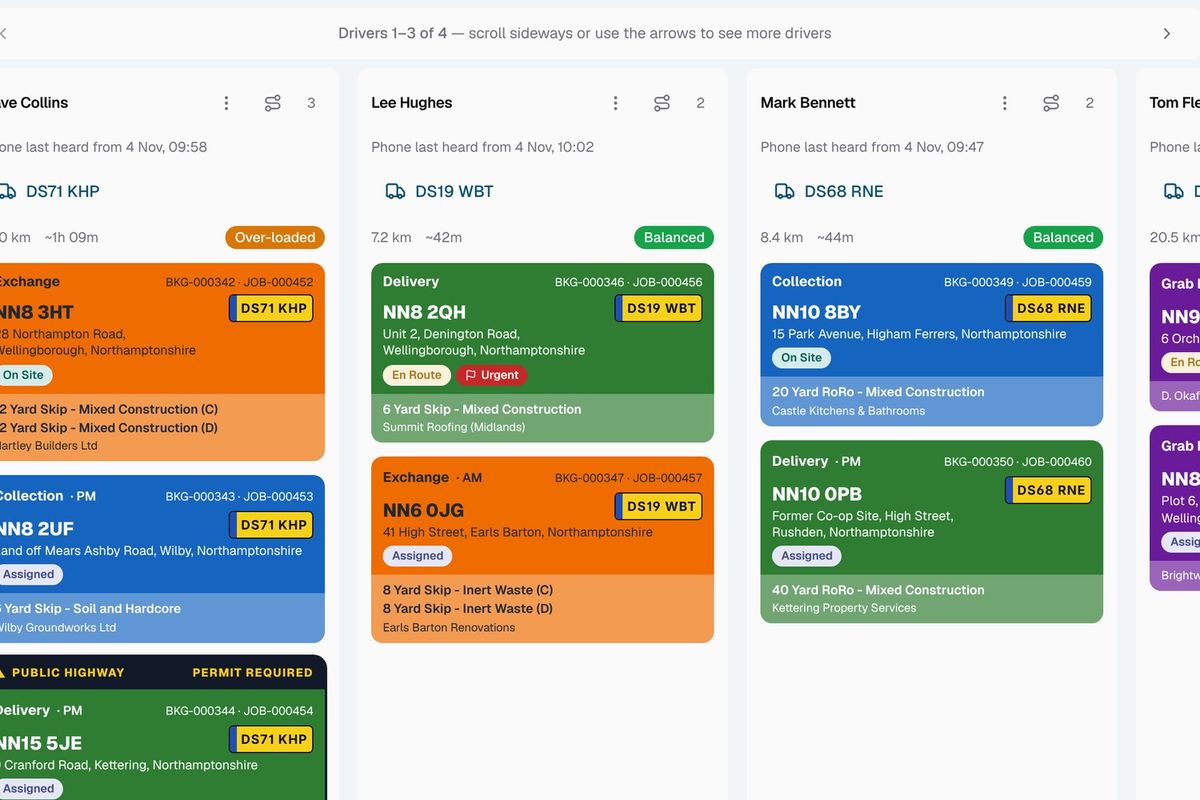
Driver app
Drivers get their jobs on their phone and capture weights, photos and signatures on site.
See the driver app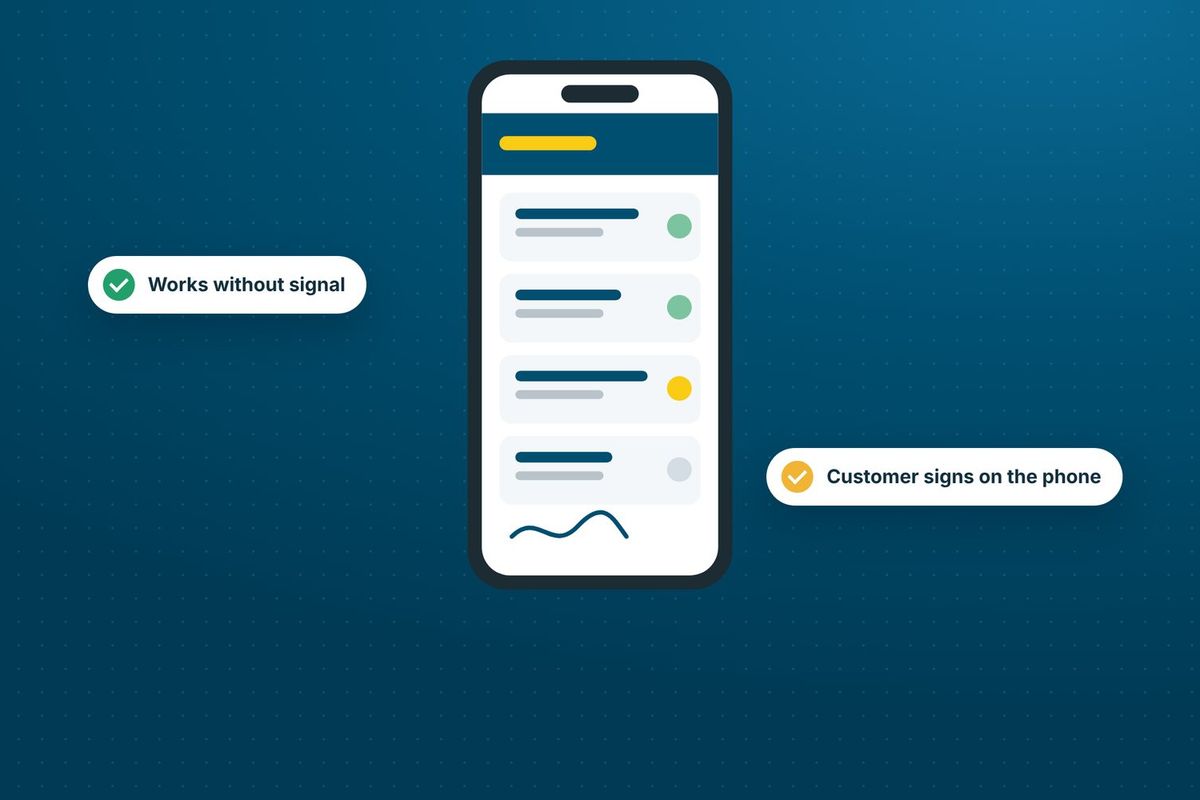
Vehicle management
Keep your fleet on record and get reminders before an MOT or inspection falls due.
See vehicle management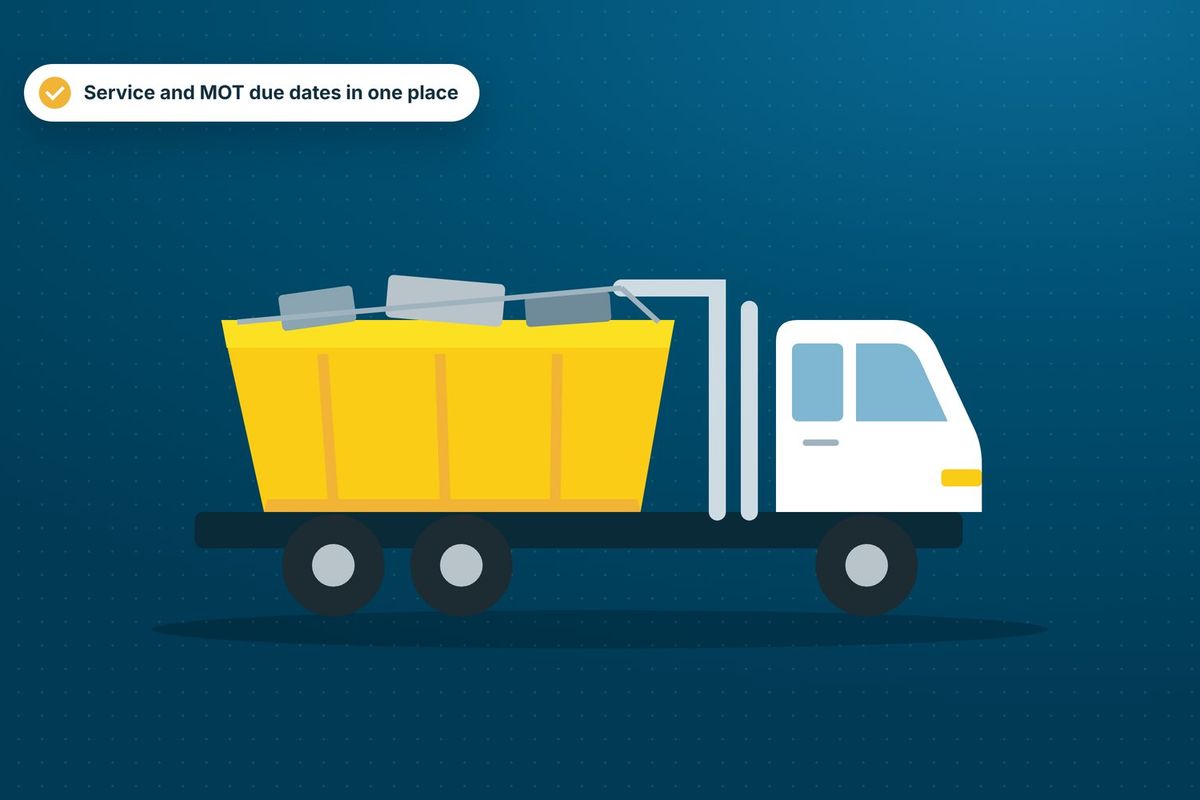
Invoicing
Invoices are raised from the work you book, then paid by card or synced to your accounting software.
See invoicing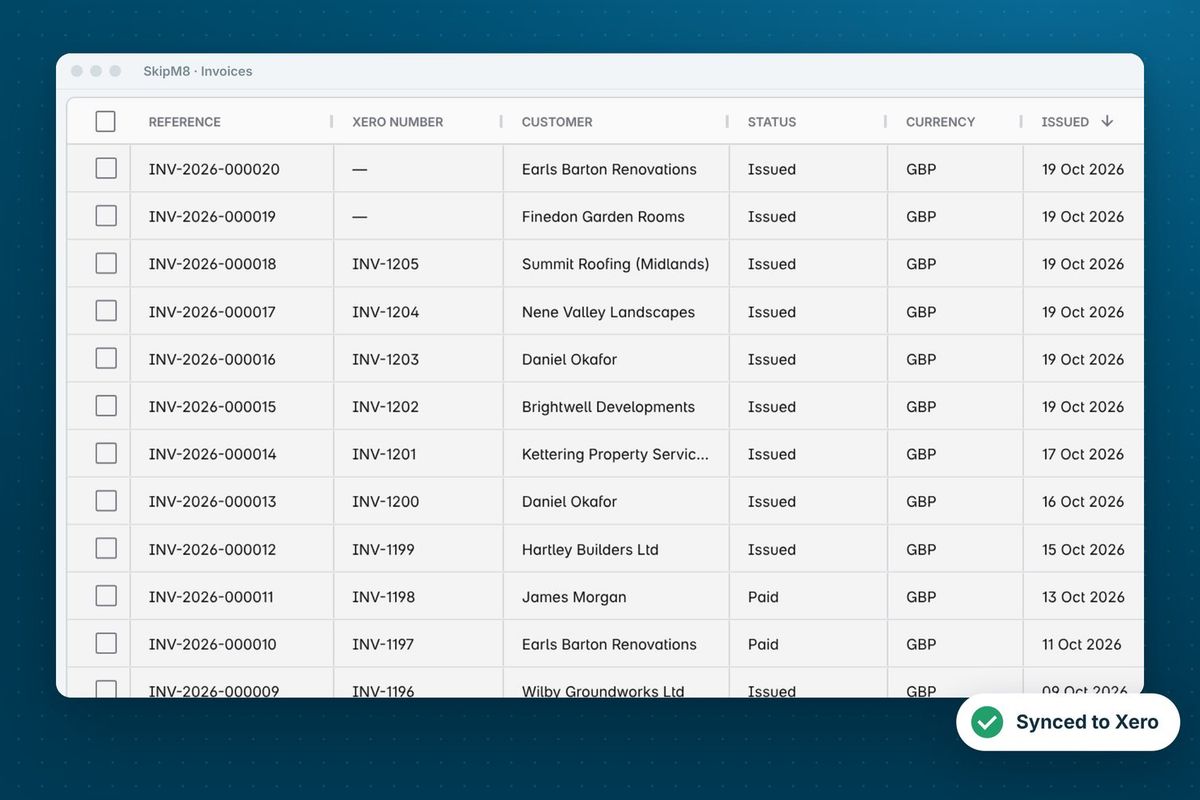
How a day runs in SkipM8
- Take a booking and check what is in the yard before you confirm it.
- The booking's jobs land on the dispatch board, where you assign each one to a driver or confirm a suggested plan for the day.
- Drivers work through their jobs in the driver app, and the office sees each step as it happens.
- Containers on hire and stock in the yard update as deliveries and collections are completed.
- When a customer says a container is full, mark it ready to collect and book the collection when it fits a run.
Our growing customer base
Skip hire and waste businesses across the UK run their bookings, dispatch and paperwork on SkipM8.





Common questions
Do I have to count containers in and out of the yard?
No. SkipM8 works out what is on hire from completed deliveries and collections. You only enter how many of each container you own.
Can I run more than one depot?
Yes. Jobs, vehicles, prices and stock are kept per site, and staff can be limited to the sites they work on.
Will it stop me taking a booking when stock runs out?
No. It shows how many are in stock when you take the booking, and the decision stays with you.
What happens to the ready-to-collect mark once the collection is booked?
The container drops off the waiting list, and the mark stays on the booking as a record of when the customer said it was ready.
Which plans show live driver locations?
Live driver locations on the map are on the Grow, Pro and Enterprise plans. The map of jobs, containers on hire and those ready to collect is on every plan.
See SkipM8 in action
Book a demo and we'll walk you through it with jobs like yours, or start on the free Solo plan today.