Nothing reaches Xero until you're ready
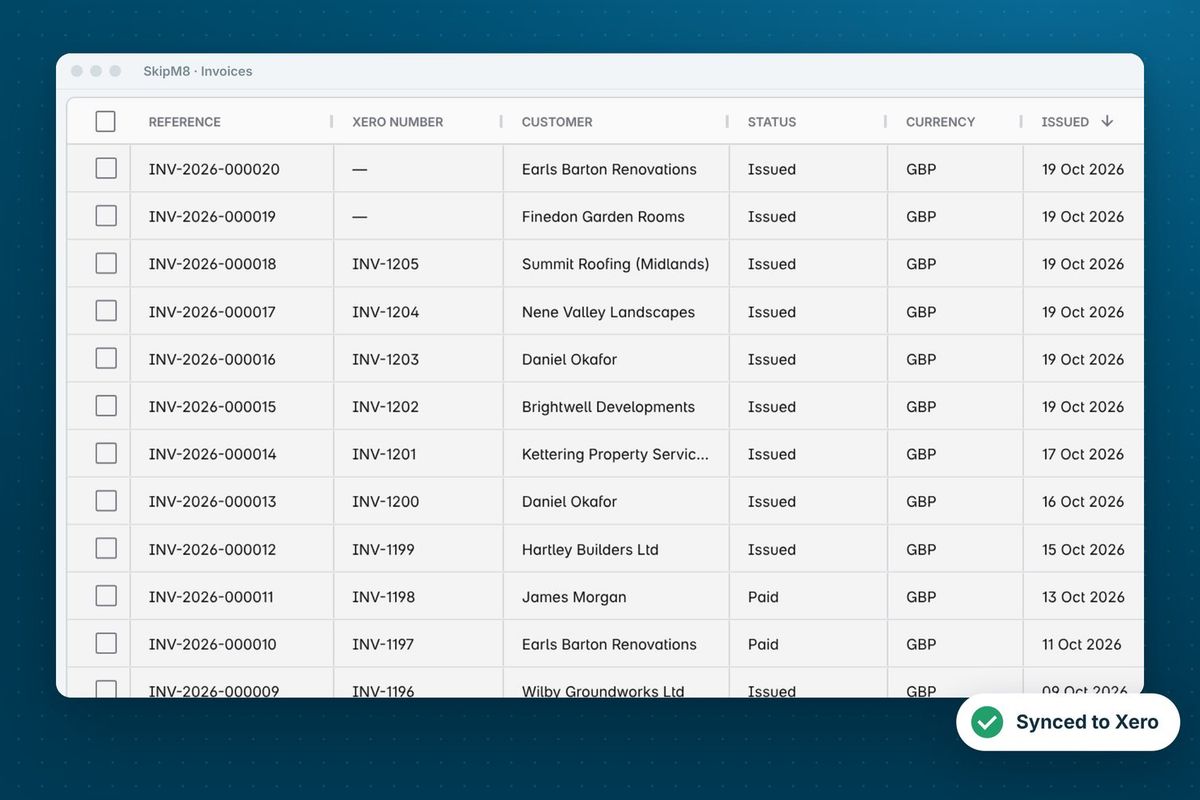
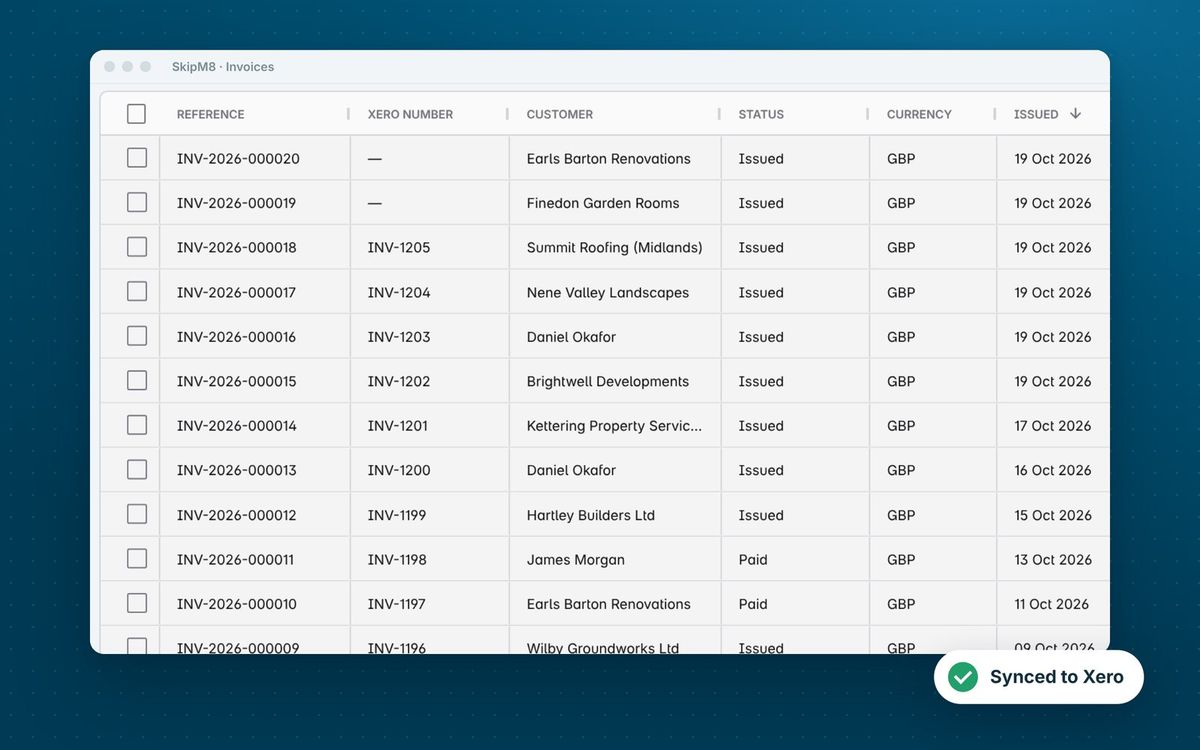
In SkipM8, issuing an invoice, emailing it to your customer and syncing it to Xero are three separate actions. You get to check an invoice before it reaches your customer or your accounts, and nothing goes to Xero until you choose.
Rather not click through each one? Switch on automatic issuing in your organisation settings, then automatic sending and syncing alongside it. Or tick several invoices on the invoice list and issue, email or sync them in one go.
A payment, credit note or refund recorded against an invoice that isn't in Xero yet waits for it, then goes across as soon as the invoice is synced. Xero never receives a payment with no invoice to settle.
Not ready to connect? Export your invoices as a CSV in Xero's import layout instead. Each invoice is exported once, and one that's already synced is never exported, so nothing lands in your accounts twice.
The accounting integration is included on Pro and Enterprise, and on Grow with the accounting add-on for a monthly fee.