
Send drivers to the exact skip, not just the street
A postal address gets your driver to the street. It doesn't tell them which side of the drive the skip went on, or which of three identical skips on a site is the one to collect.
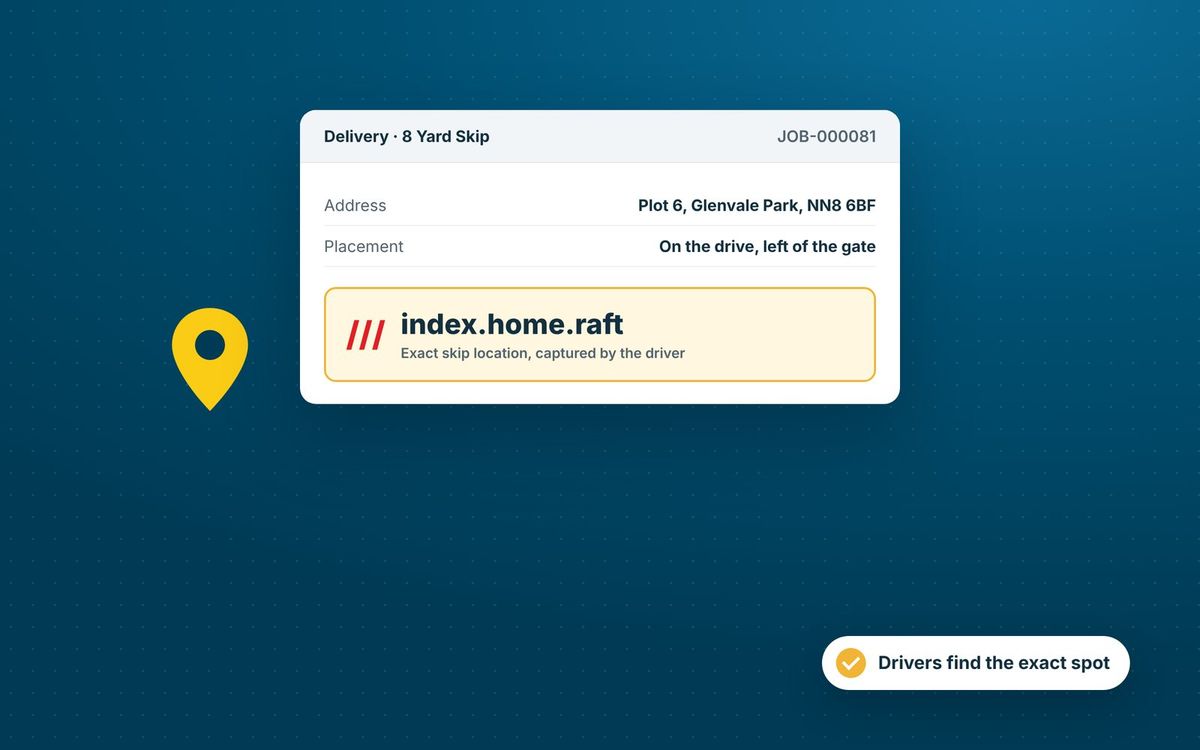
what3words gives every 3 metre square in the world its own three-word address. SkipM8 can capture that square when your driver puts the skip down, and keeps it on the hire item.
Weeks later, whoever goes to exchange or collect it sees the same square, and so does your office. No more guessing on site.
Capture the spot your way
You choose which job types capture a what3words square. Nothing is switched on until you set it up.
- Add a Capture what3words step to a job type, so the driver records it at the skip.
- Let drivers check the square before confirming, and move and try again if it looks wrong.
- Or tick Also capture what3words on a step drivers already do, such as the photo or signature.
- Keep that background capture silent, and only for drivers who've agreed to share their location.
- Keep the square you already have when the skip hasn't moved since the last capture.
Your drivers are never held up by a missing location
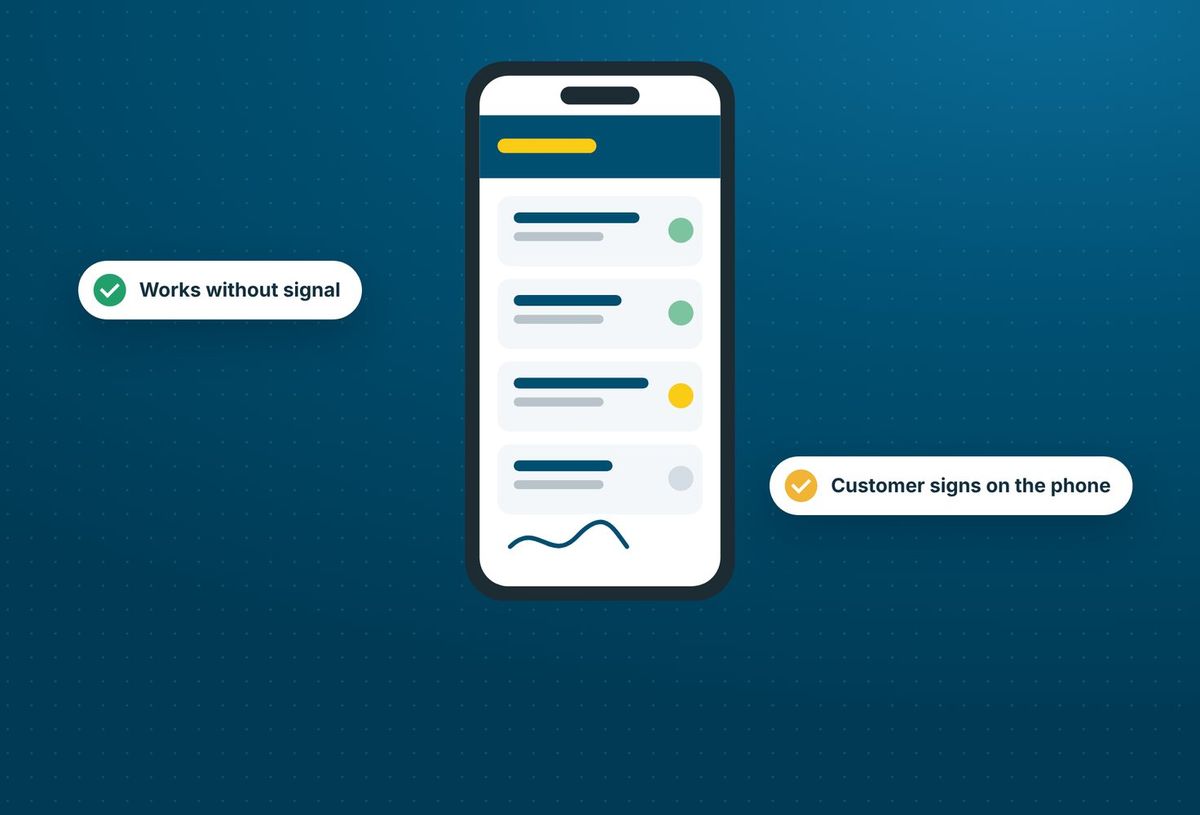
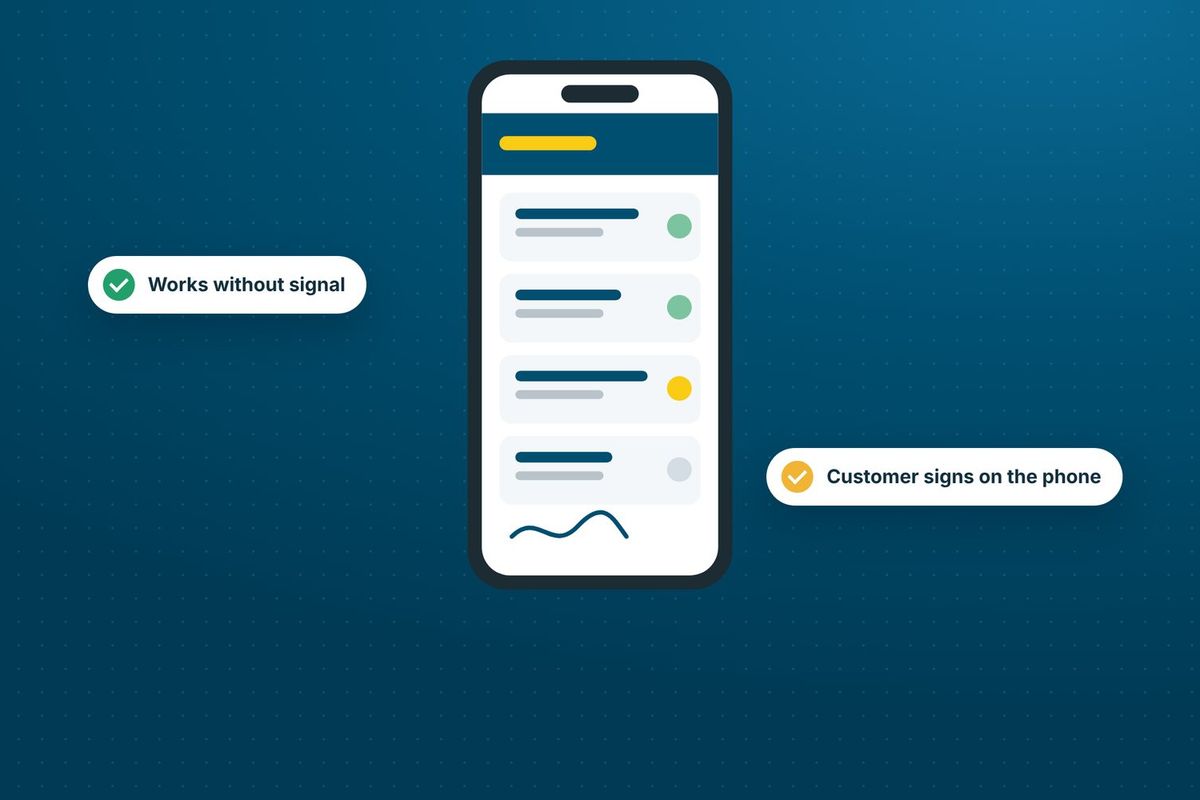
If the phone can't get a location, the driver has turned location off, or what3words can't be reached, the step still completes, with no square saved. Nobody's stuck on a finished job waiting for a signal.
Everyone sees the same spot
On the booking page, the square sits on the hire item beside its reference. Click it to open the exact square on the what3words map.
In the driver app, the hire item card shows the square. Drivers tap it to open their maps app at that spot.
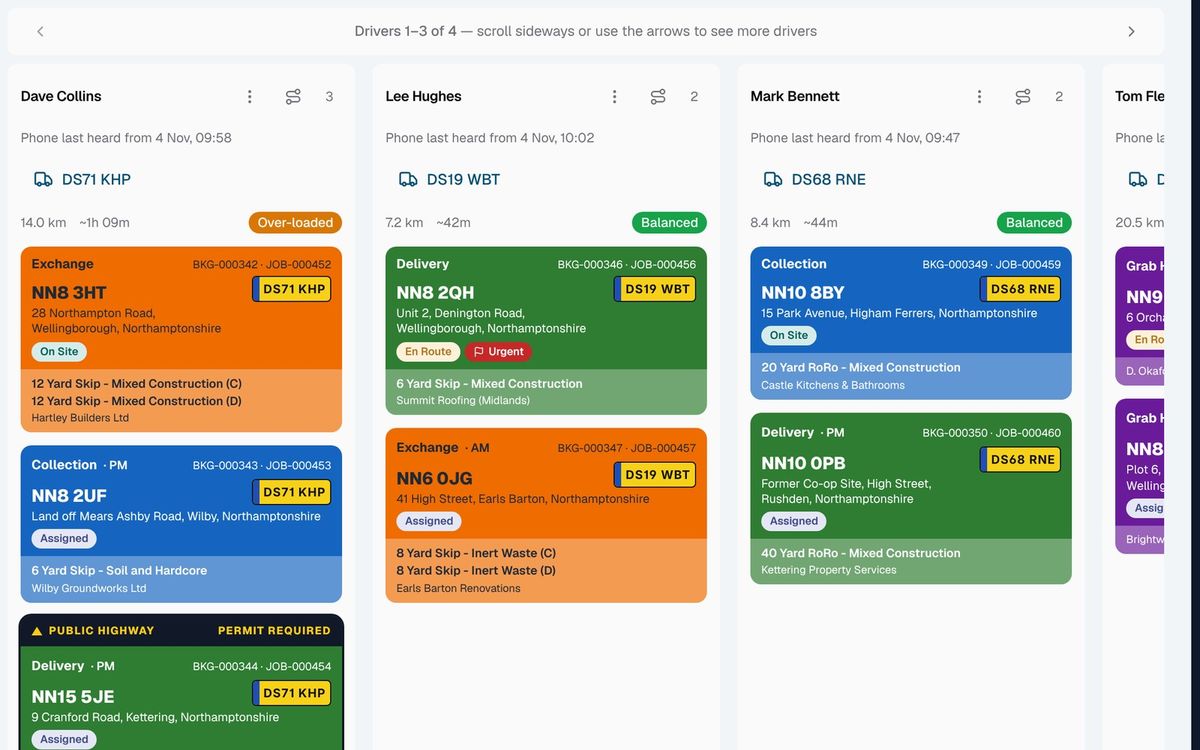
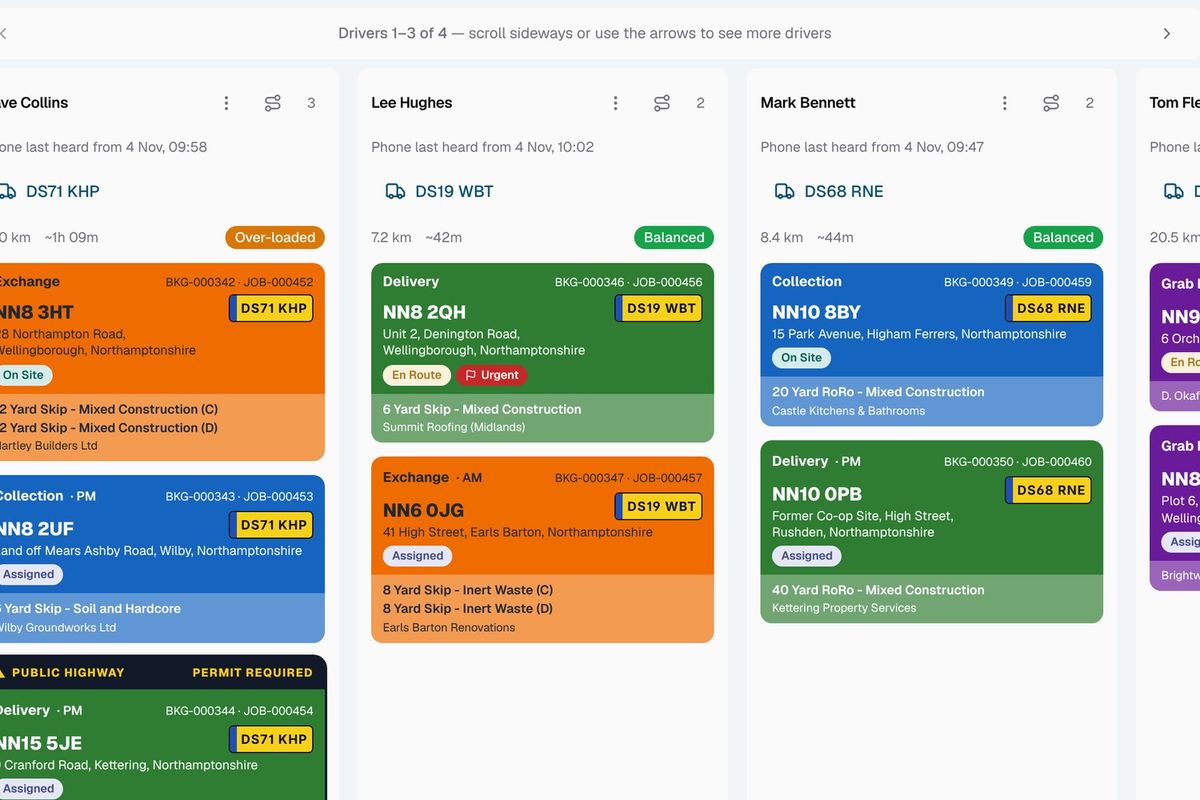
On the dispatch board, skips marked ready to collect show their square too, so whoever plans the collection knows exactly where the skip is.
How a square is captured
- Add a what3words capture to the job types where placement matters, such as deliveries.
- When the driver puts the skip down, the driver app records the 3 metre square it is standing in.
- The three words are kept on the hire item on the booking.
- Whoever exchanges or collects the skip later sees the square on the job and taps it to open maps at that spot.
Related features
Our growing customer base
Skip hire and waste businesses across the UK run their bookings, dispatch and paperwork on SkipM8.





what3words questions
Do my drivers need the what3words app?
No. The SkipM8 driver app uses the phone's location and looks up the square for them.
Can the office type in a three-word address a customer sends us?
Not at the moment. Squares are captured by drivers on site.
Do I have to capture what3words on every job?
No. You switch it on per job type and per step, so you can use it only where placement matters, such as deliveries.
Which plans include what3words?
Capturing what3words locations is on the Grow, Pro and Enterprise plans. A location captured while you were on one of those plans stays on the job if you change plan.
See SkipM8 in action
Book a demo and we'll walk you through it with jobs like yours, or start on the free Solo plan today.