
SkipM8

Get invoices paid by card without taking card details

Chasing payment and reading card numbers over the phone wastes the office's time. Connect your own Stripe account to SkipM8 and send customers a link to pay an invoice by card on a secure Stripe payment page.

When they pay, SkipM8 records the payment on the invoice for you. If it clears the balance, the invoice is marked as paid, with no one keying it in.

The money goes into your Stripe account. You're the merchant, and every payment appears in your own Stripe dashboard.

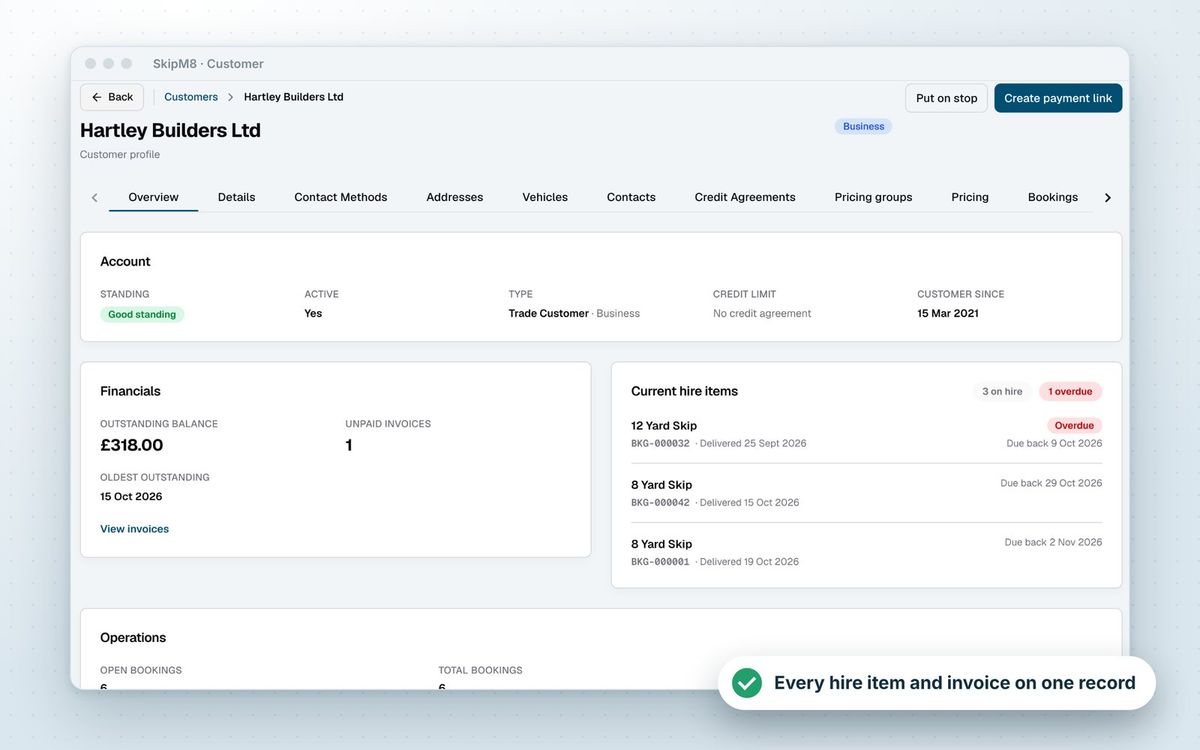
A SkipM8 customer page showing the customer's outstanding balance and current hire items

Make paying you the easy option

  • Ask for all or part of an issued invoice's outstanding balance with one link.
  • Clear several unpaid invoices at once with a single link from the customer's page.
  • Send the link however suits the customer: email, text or chat.
  • Keep the ledger tidy, as a link covering several invoices pays off the oldest first.
  • Know where each request stands, with every link on the invoice marked active, completed or expired.
  • Links are switched off seven days after they're created, and you can create a new one at any time.
The SkipM8 invoice list

Refund straight to the card, from SkipM8

When you need to give money back, refund a card payment from SkipM8 and it goes through Stripe to the customer's card. Refund all of a payment or just part of it.

Refunding a paid invoice creates the credit note and the card refund in one step. The refund shows as pending until Stripe confirms it, then as completed.

If you have Xero, QuickBooks, Sage or FreeAgent connected, card payments are sent to your accounts like any other payment once their invoice is synced, and so are refunds made against a credit note.

Getting started with Stripe

  1. Open Integrations in SkipM8 and choose Connect with Stripe.
  2. Complete Stripe's own onboarding with your business and bank details.
  3. Back in SkipM8, the Stripe card shows you are ready to take card payments.
  4. Open an issued invoice, create a payment link and send it to your customer.

Related features

Invoicing

Invoices from completed jobs, paid by card or synced

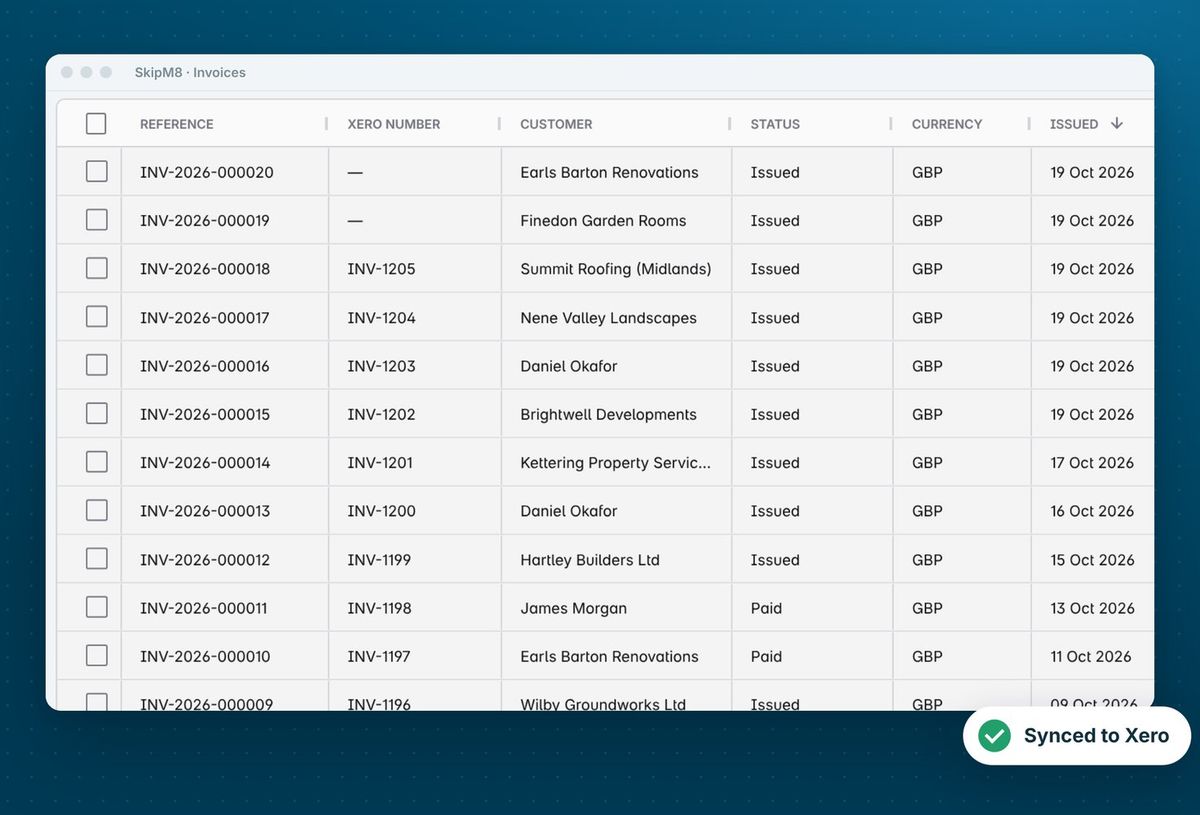
More on invoicingThe SkipM8 invoice list showing each invoice with its Xero number

Xero

Sync invoices & payments

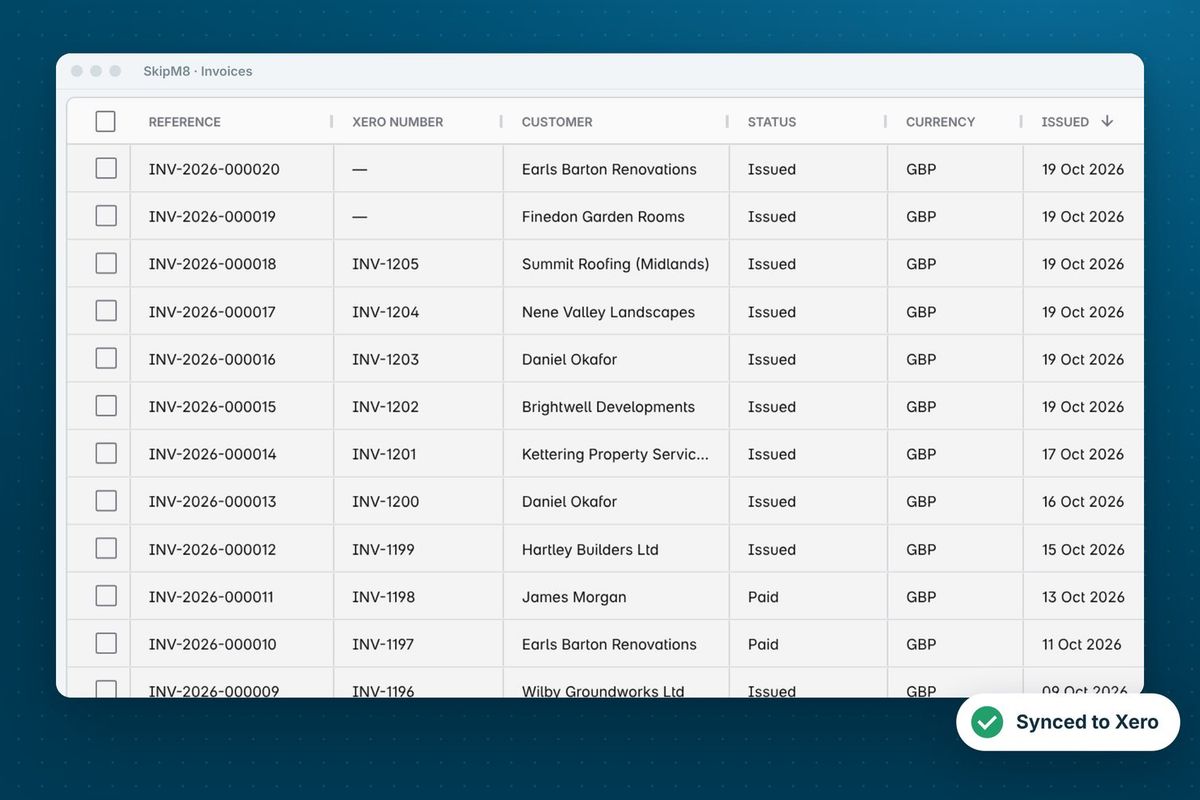
More on XeroThe SkipM8 invoice list, showing each invoice's Xero number beside its SkipM8 reference

Our growing customer base

Skip hire and waste businesses across the UK run their bookings, dispatch and paperwork on SkipM8.

Stripe questions

Does my customer pay extra to pay by card?

No. The customer pays exactly the amount on the link. Nothing is added on top.

Where does the money go?

Into your own Stripe account, which pays out to your bank. SkipM8 never holds your customers' money. SkipM8's processing fee is taken from what you receive rather than added to the customer's payment, and it is lower on higher plans. Card payments are available on every plan.

What happens if I leave Stripe's sign-up part way through?

The Stripe card on the Integrations page shows that onboarding is incomplete, with a button to finish it.

What happens to a link once it has expired?

It stops taking payments and shows as expired on the invoice. The invoice balance is unchanged, so you can send the customer a fresh link.

See SkipM8 in action

Book a demo and we'll walk you through it with jobs like yours, or start on the free Solo plan today.



