
Stop keying skip hire invoices into FreeAgent twice
Every invoice typed in twice is time lost and a chance to get it wrong. Connect SkipM8 to your FreeAgent company and the invoices you raise for skip hire, grab hire and waste work go into your books without anyone re-entering them.
Payments, credit notes and refunds you record in SkipM8 follow their invoice into FreeAgent. When an invoice is paid in FreeAgent, SkipM8 usually picks it up within the hour, so the office can see who's paid without switching screens.
Invoices keep their SkipM8 invoice number in FreeAgent, so the same invoice is easy to find in both places.
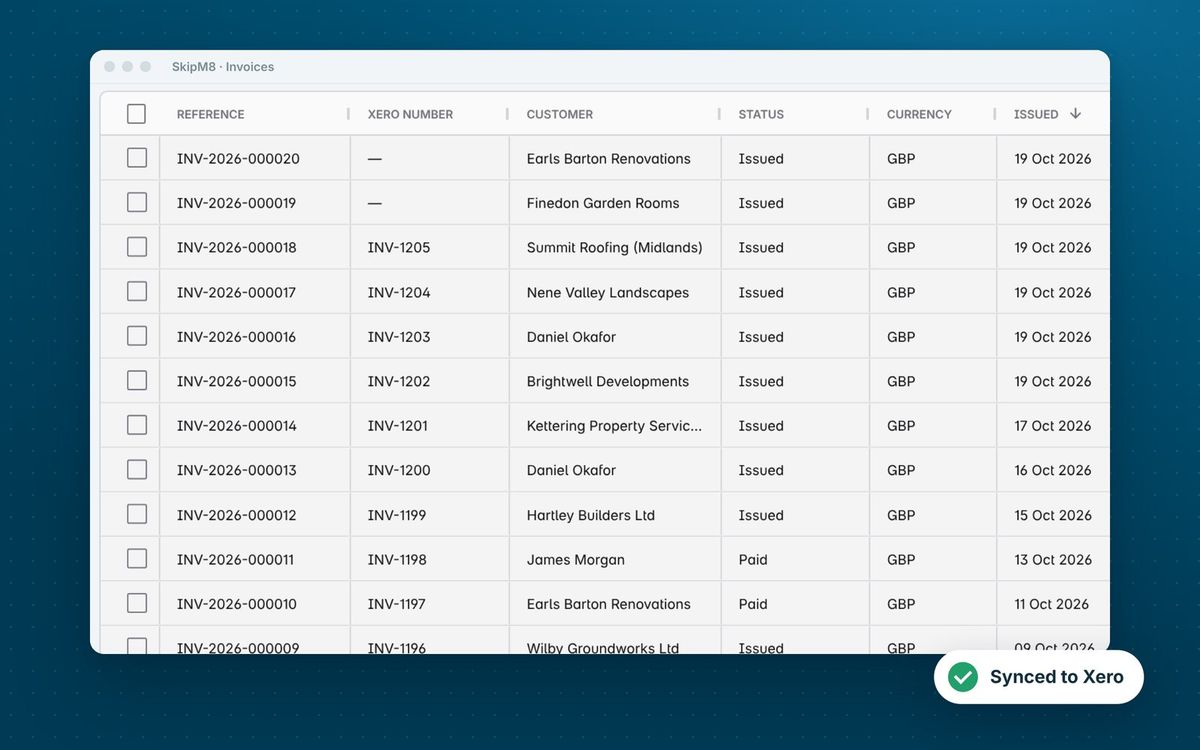
FreeAgent gets what it needs to balance your books
Each record goes across once, using the income categories, VAT rates and bank account you choose.
- Have issued invoices marked as sent in FreeAgent, with each line naming the booking and job it bills.
- Keep your customer's purchase order number in FreeAgent's own PO reference field, or on each line when an invoice has more than one.
- Skip setting up contacts by hand: customers are matched to a FreeAgent contact by name, or added the first time you invoice them.
- Have credit notes allocated against the invoice they credit.
- See payments and refunds explained against a transaction in the bank account you've mapped.
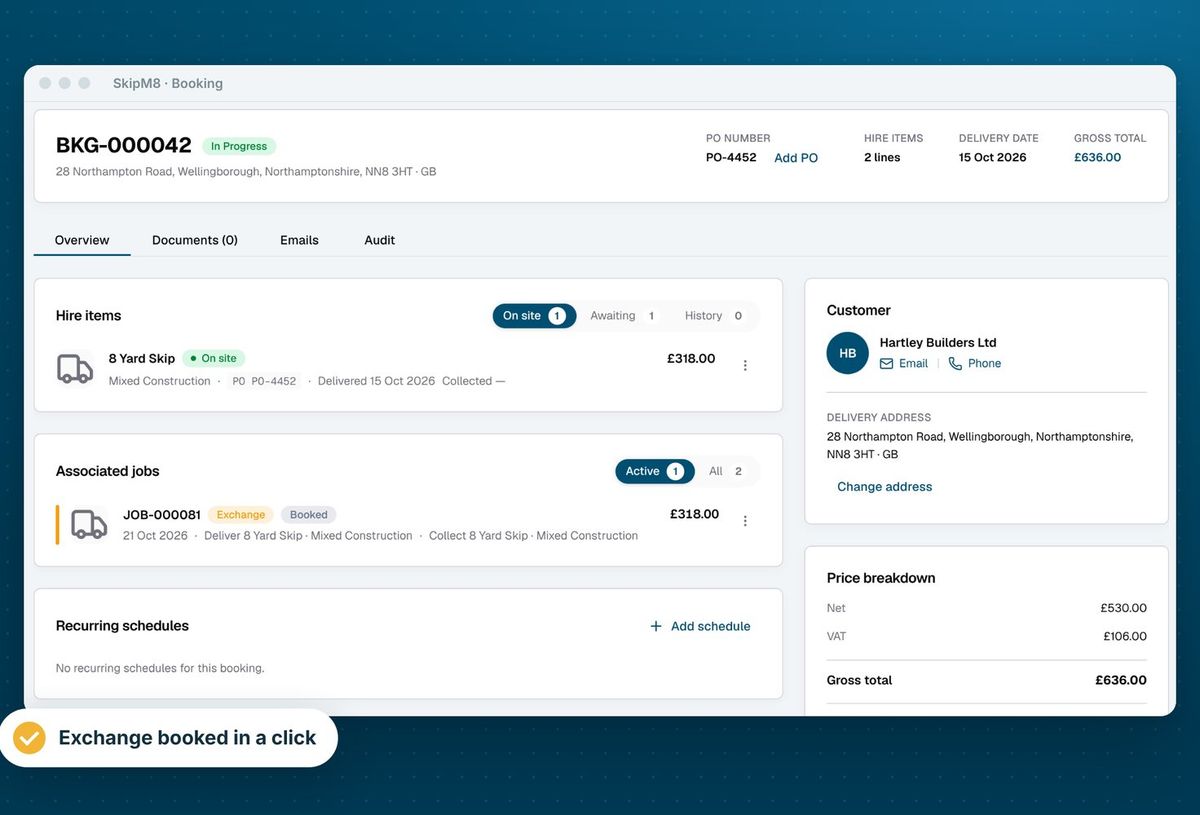
Decide where payments are recorded before you connect
FreeAgent records a payment by explaining a bank transaction against the invoice, so SkipM8 creates that transaction when it sends a payment. If your bank feed brings in the same payment, you'll see both in FreeAgent and need to match them up. So it's worth choosing up front whether to record payments in SkipM8 or in FreeAgent.
How to connect FreeAgent
Before an invoice is synced, SkipM8 checks every line has an income category and a VAT rate, and tells you what is missing.
- Open Integrations in SkipM8 and choose Connect to FreeAgent.
- Sign in to FreeAgent and approve the connection to your company.
- Open Configure accounting and pick the income categories for hire, service and surcharge lines.
- Match each of your tax rates to a FreeAgent VAT rate, and your bank account to a FreeAgent bank account.
- Sync an issued invoice from its page, or switch on automatic issuing and syncing.
Related features
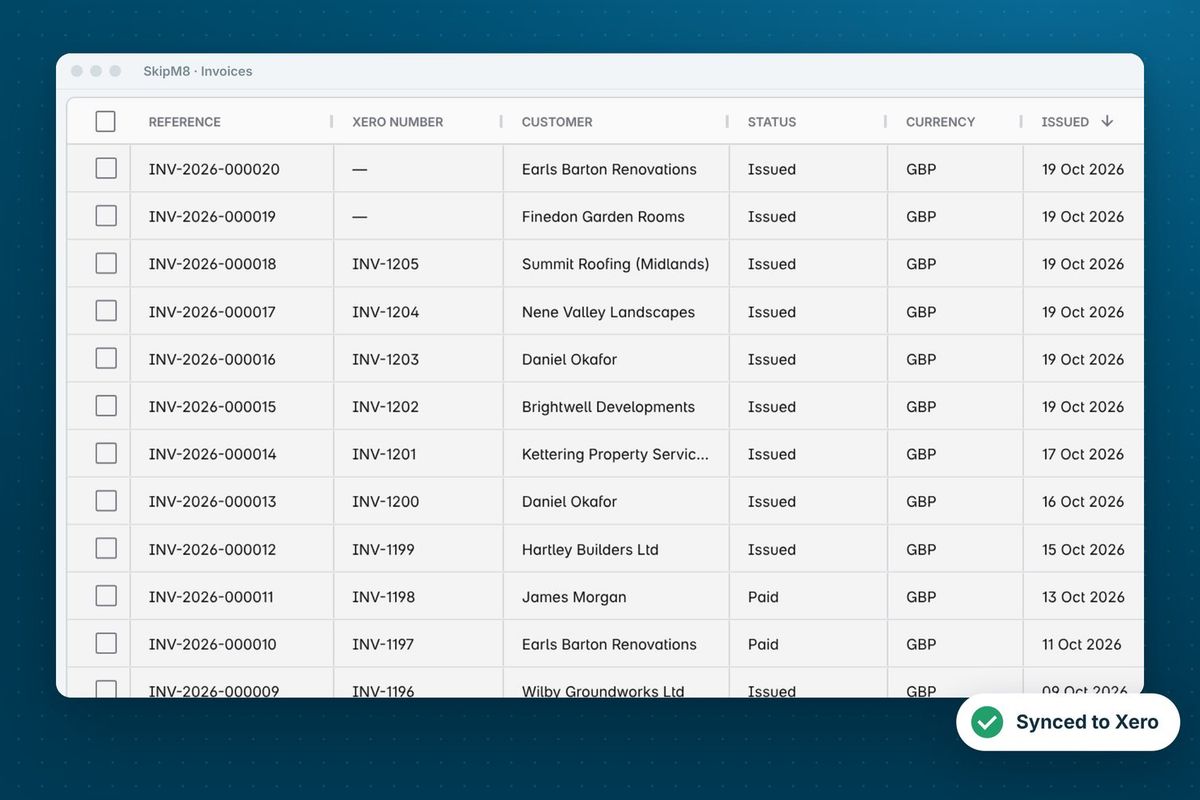
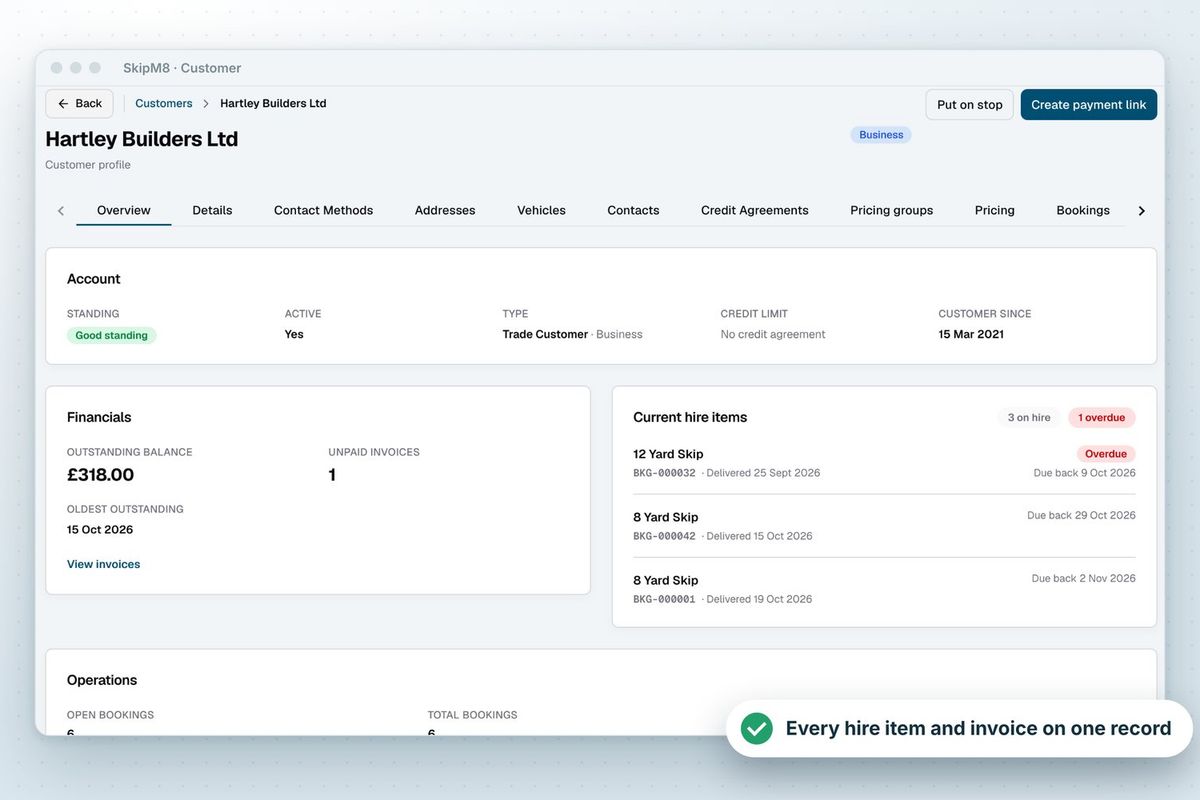
Our growing customer base
Skip hire and waste businesses across the UK run their bookings, dispatch and paperwork on SkipM8.





FreeAgent questions
Do invoices go to FreeAgent as soon as they are issued?
Only when you choose. Issuing, emailing and syncing an invoice are separate actions in SkipM8. You can switch on automatic issuing in your organisation settings, with automatic sending and syncing alongside it.
What comes back from FreeAgent?
Payments. SkipM8 checks FreeAgent every hour and records any payment made against a SkipM8 invoice. Edits to an invoice made in FreeAgent are not copied back.
Which plans include FreeAgent?
The accounting integration is included on Pro and Enterprise, and on Grow with the accounting add-on for a monthly fee.
Can I export to FreeAgent instead of connecting?
The CSV export has layouts for Xero, QuickBooks, Sage and Zoho Books but not FreeAgent, so for FreeAgent we recommend connecting.
See SkipM8 in action
Book a demo and we'll walk you through it with jobs like yours, or start on the free Solo plan today.