
Know who's calling before you pick up
Answering cold means asking for names and scrambling for the account. Connect your office's Yealink desk phones to SkipM8 and, when a customer rings, their name shows on the handset before anyone answers.
At the same time, a card pops up on every SkipM8 screen in the office saying who's calling. Whoever answers keeps the card on the screen beside their phone, and it opens into the customer's account.
So you can greet the caller by name and see their skips, balance and next job while they're still talking.
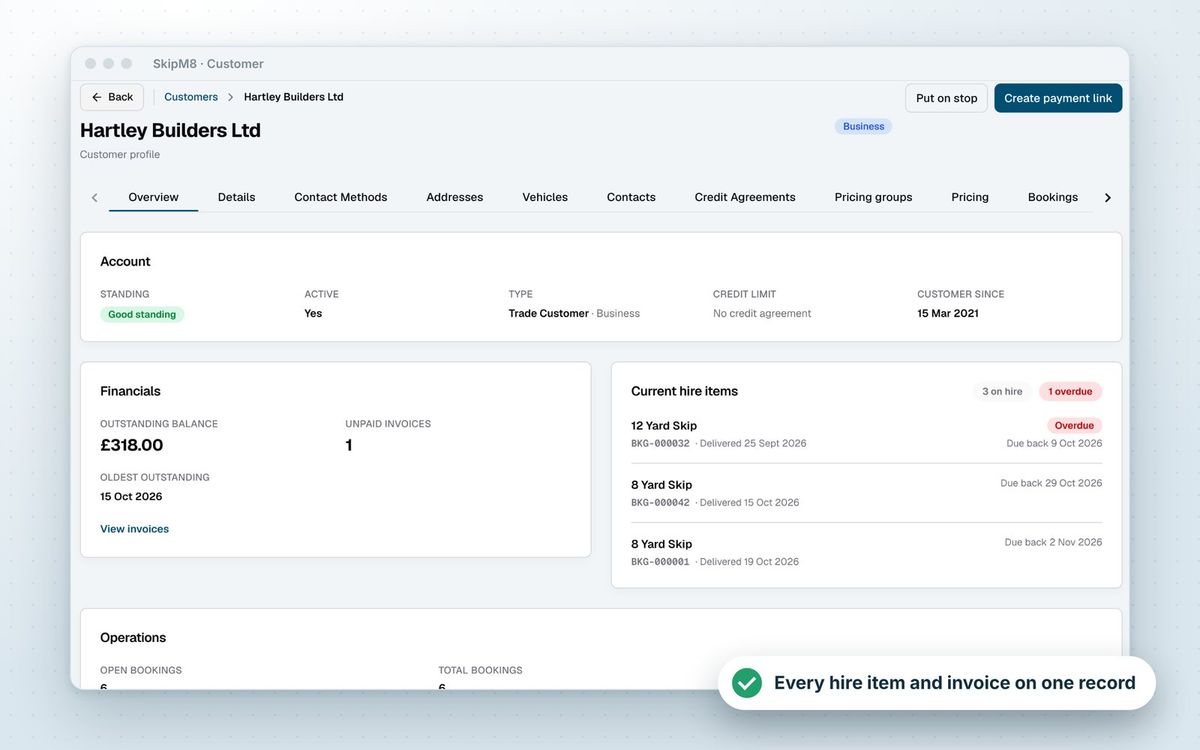
Answer every call with the account in front of you
The card shows the account as it is now, not as it was when the phone started ringing.
- Know the customer's name, and which contact is calling.
- Spot an account on stop or with an overdue balance before you agree to anything.
- See their pinned note, outstanding balance and how much credit they have left.
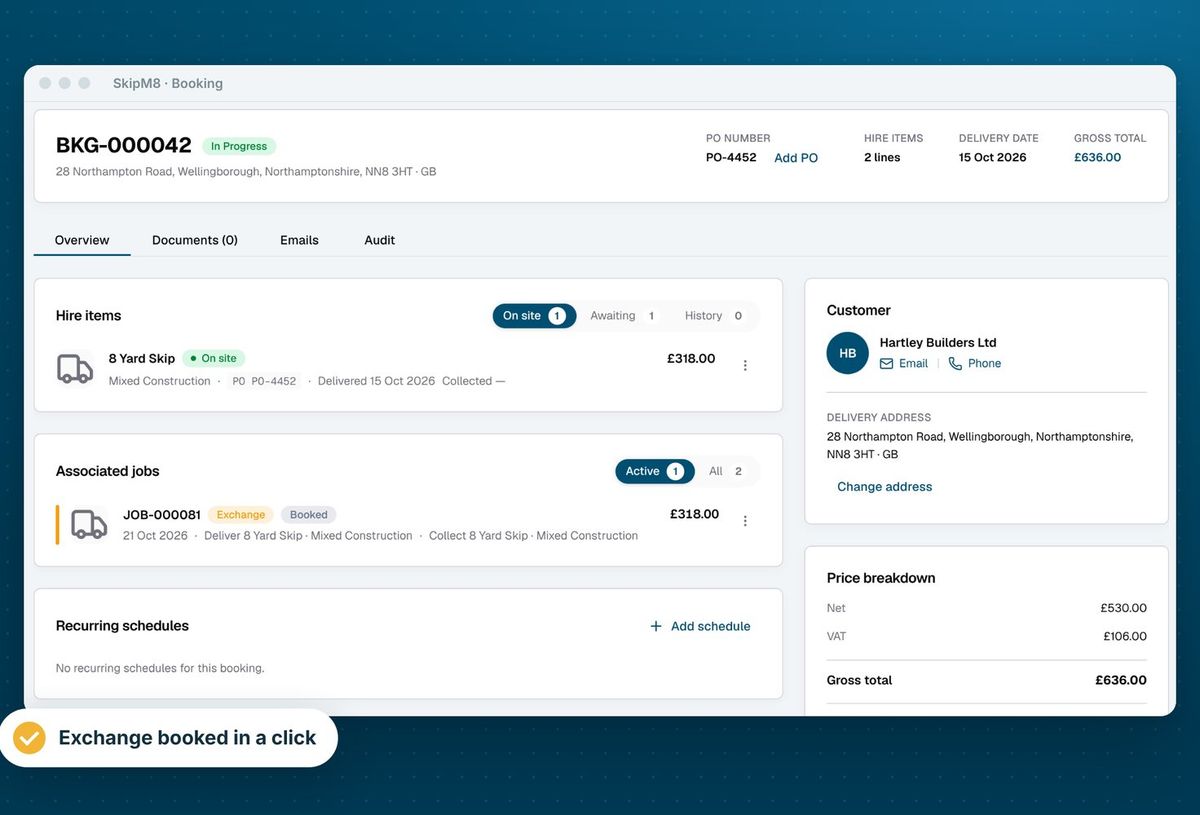
- Check each skip on hire, how long it's been out and whether it's overdue, with a link to its booking.
- See their next job and their open bookings.
- Open the customer's record or start a new booking from the card, and add an unknown caller as a customer.
How to connect your phones
- Open Integrations in SkipM8 and choose Desk phones, then Connect desk phones. This adds the add-on to your bill, so it needs someone who manages billing.
- Copy the web addresses SkipM8 gives you into each phone's settings, or once into your phone system's provisioning template so every phone gets them.
- Make a test call. Each phone appears in SkipM8 the first time it reports a call, and you can give it a name such as "Desk 3".
- On each office computer, choose which phone sits beside it. The computer remembers, whoever logs in.
Related features
Our growing customer base
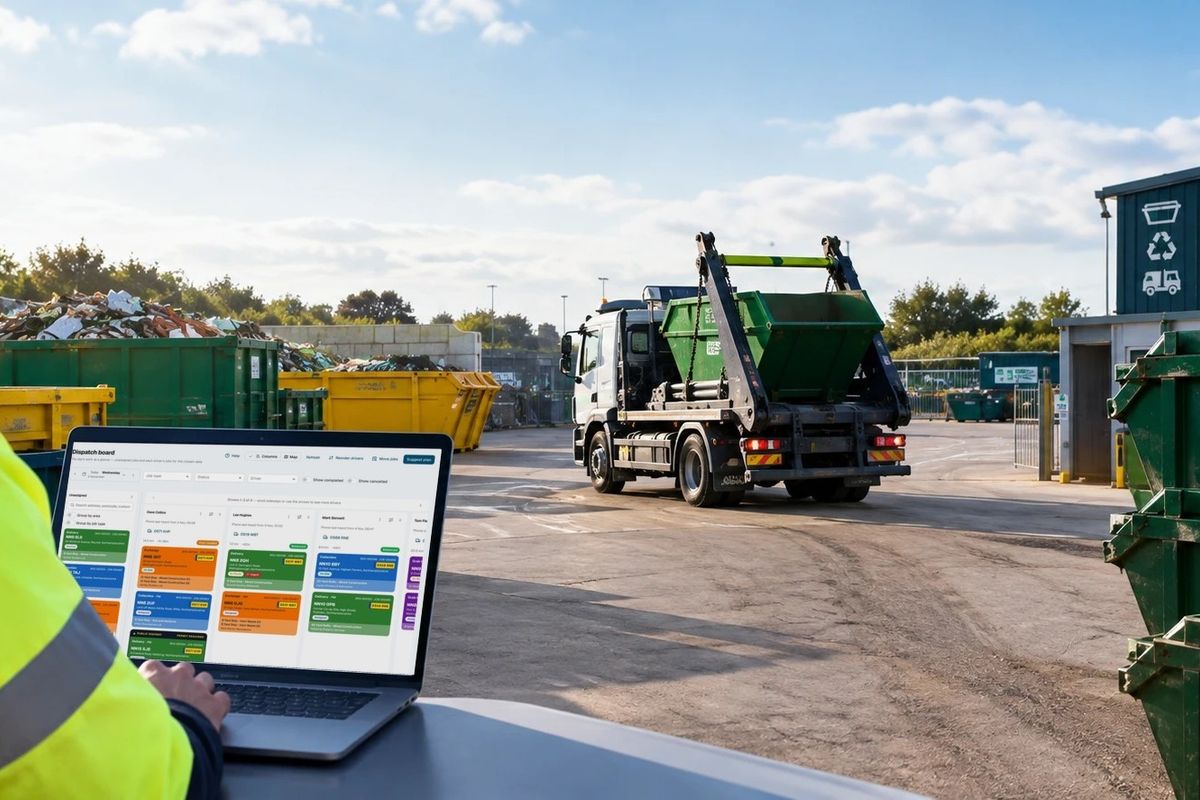
Skip hire and waste businesses across the UK run their bookings, dispatch and paperwork on SkipM8.





Common questions
How much does it cost?
Desk phone caller ID is an add-on at £50 a month plus VAT, on any paid plan. Disconnecting your phones does not remove it from your bill. You remove it on the Billing page.
Do we need to install anything on the phones?
No. Yealink desk phones can send call details to a web address and look callers up in a phonebook online. You only enter the addresses SkipM8 gives you.
Does it work with softphones or mobile apps?
No. Only Yealink handsets report calls. A call answered on a softphone or a mobile app only reaches SkipM8 if a Yealink handset also reported it.
What if one number belongs to several customers?
The card names the contact and shows the other accounts. The one with work in hand, or booked with most recently, comes first, and whoever answers can switch between them.
Does it record calls we make, or keep a call history?
No. It only shows incoming calls. Calls the office makes are not recorded, and there is no call history page.
See SkipM8 in action
Book a demo and we'll walk you through it with jobs like yours, or start on the free Solo plan today.