
Stop retyping website bookings
If customers already book skips on your website, someone probably copies each order into your system. The booking API sends each one into SkipM8 as it's taken, so nobody in the office has to type it in again.
Your website developer connects it. You create a key in SkipM8 and give it to them, along with the developer guide on the same page. They map your website's products to your SkipM8 hire items and job types, once.
Each booking arrives confirmed, with its jobs ready to plan on the dispatch board, at the price your customer paid on your website.
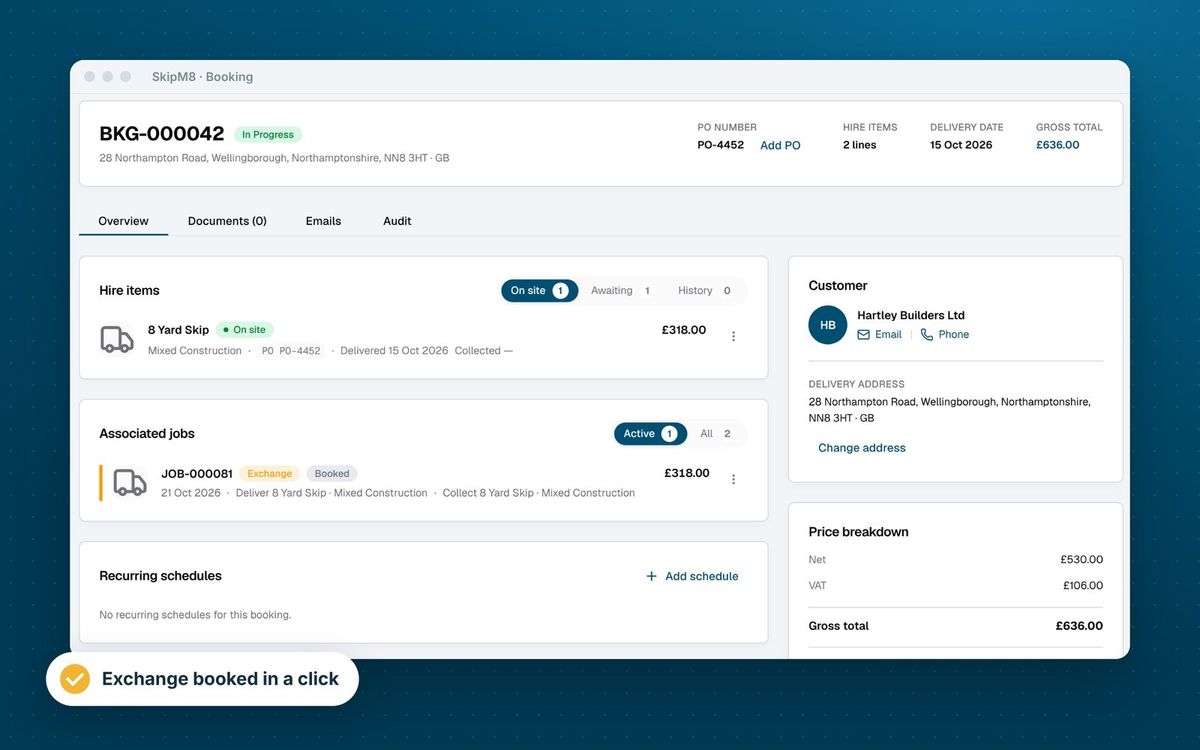
Website bookings that are ready to work
A website booking goes through the same steps as one your office takes, so it's invoiced in the same way.
- Avoid duplicate accounts: the customer is matched by email address, or added as a new one.
- Plan straight away from a confirmed booking, with a job for each skip, collection or service booked.
- Charge the price your customer paid on your website, with the VAT rate you chose.
- See any payment taken on your website recorded against the booking's invoice.
- Find your website's order number and anything the customer told you in a note on the booking.
- Spot anything that needs finishing by hand, such as a payment that couldn't be recorded, from a note for the office.
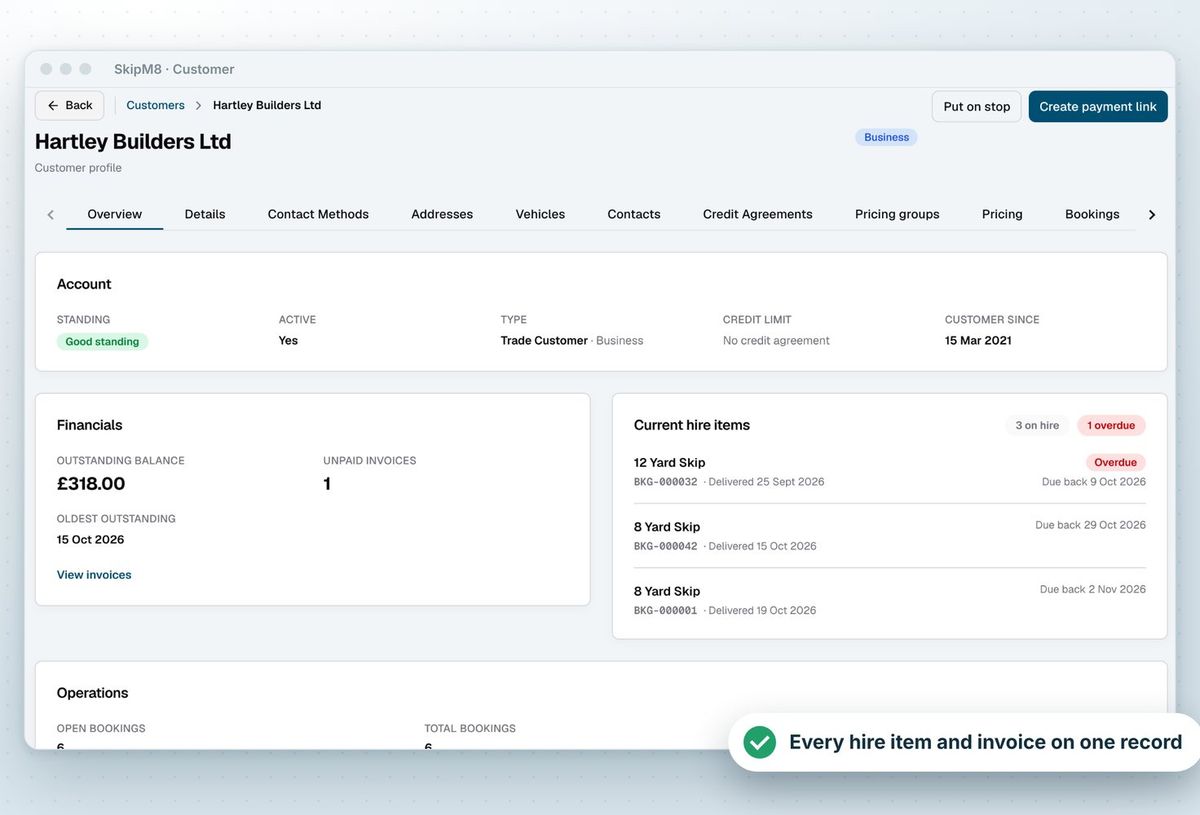
How to connect your website
- Open Integrations in SkipM8 and choose API.
- Create your first key. This adds the API to your SkipM8 bill, so it needs someone who manages billing.
- Copy the key and give it to your website developer with the developer guide. The key is only shown once.
- Your developer connects your website's booking checkout to SkipM8.
- New bookings from your website appear in SkipM8 as they are made.
Related features
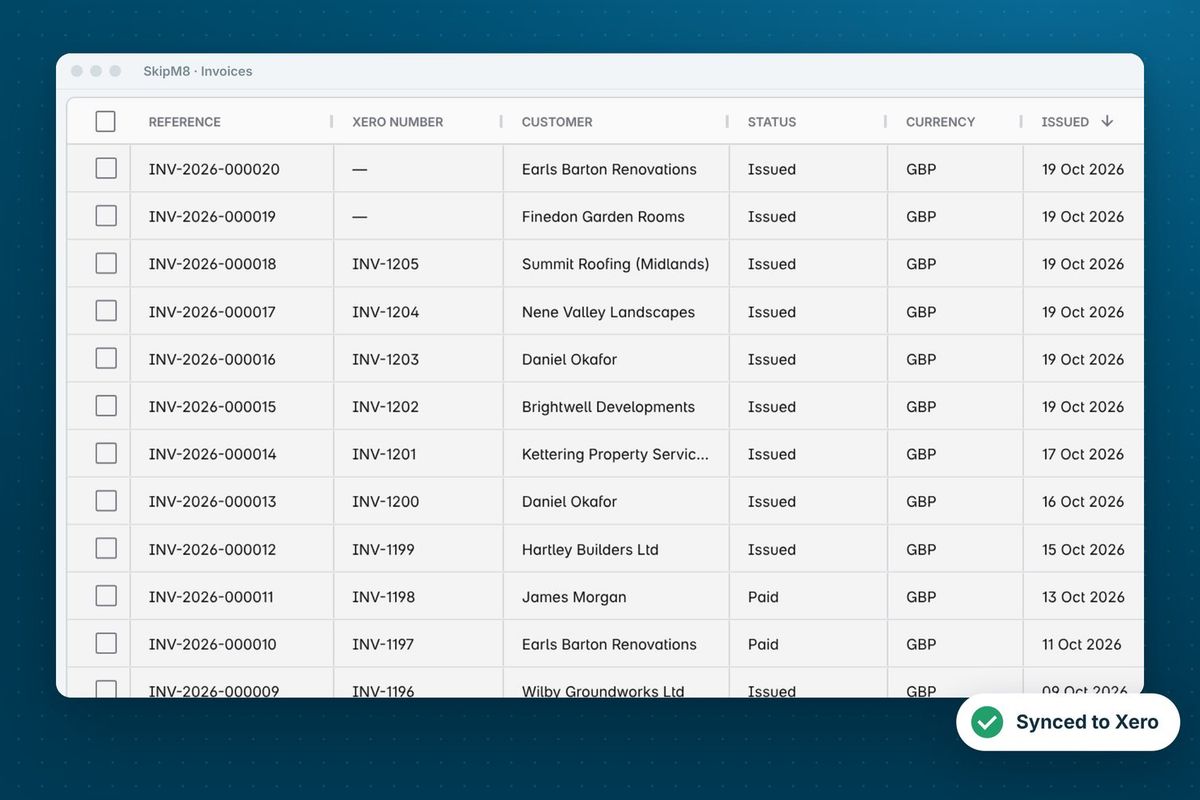
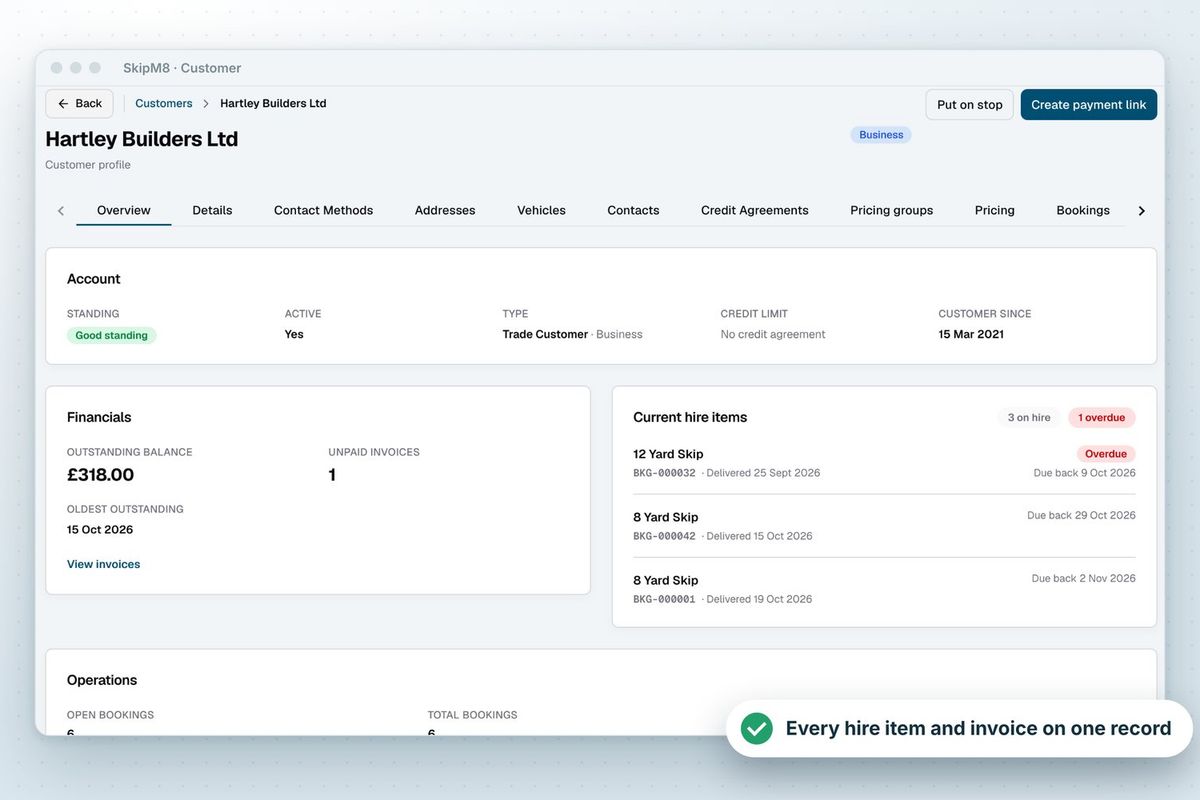
Our growing customer base
Skip hire and waste businesses across the UK run their bookings, dispatch and paperwork on SkipM8.





Common questions
How much does it cost?
The booking API is an add-on at £49 a month plus VAT, on any paid plan. It is added to your bill when you create your first key, and stays until you remove it on the Billing page. Revoking keys does not remove it.
Does SkipM8 give me a booking form for my website?
No. The booking API connects the website you already have. Your website takes the booking and the payment, and your developer sends it to SkipM8.
What if a key is lost or leaked?
Revoke it in SkipM8 and it stops working straight away, then create a new one. A key is like a password for your account, so it should only be kept on your website's server.
Can a booking arrive twice?
No. If your website sends the same booking again, for example after a dropped connection, SkipM8 recognises it and does not make a second one.
What can't a website booking include?
Surcharges, recurring visits, aggregates and prices by weight. They need your office's judgement, so add them to the booking in SkipM8 afterwards. A customer on stop is turned away, so the office can deal with them directly.
See SkipM8 in action
Book a demo and we'll walk you through it with jobs like yours, or start on the free Solo plan today.