SkipM8

SkipM8 works with the tools you already use

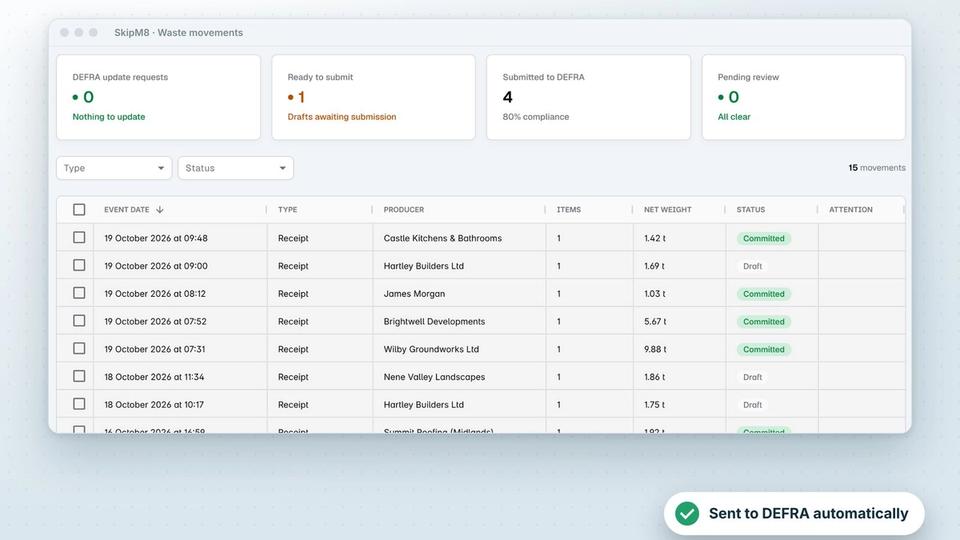
Send invoices to your accounting software, take card payments with Stripe, send waste receipts to DEFRA and take bookings from your own website. Less typing, fewer mistakes and one place to see it all.

Pick an integration to see what it does.
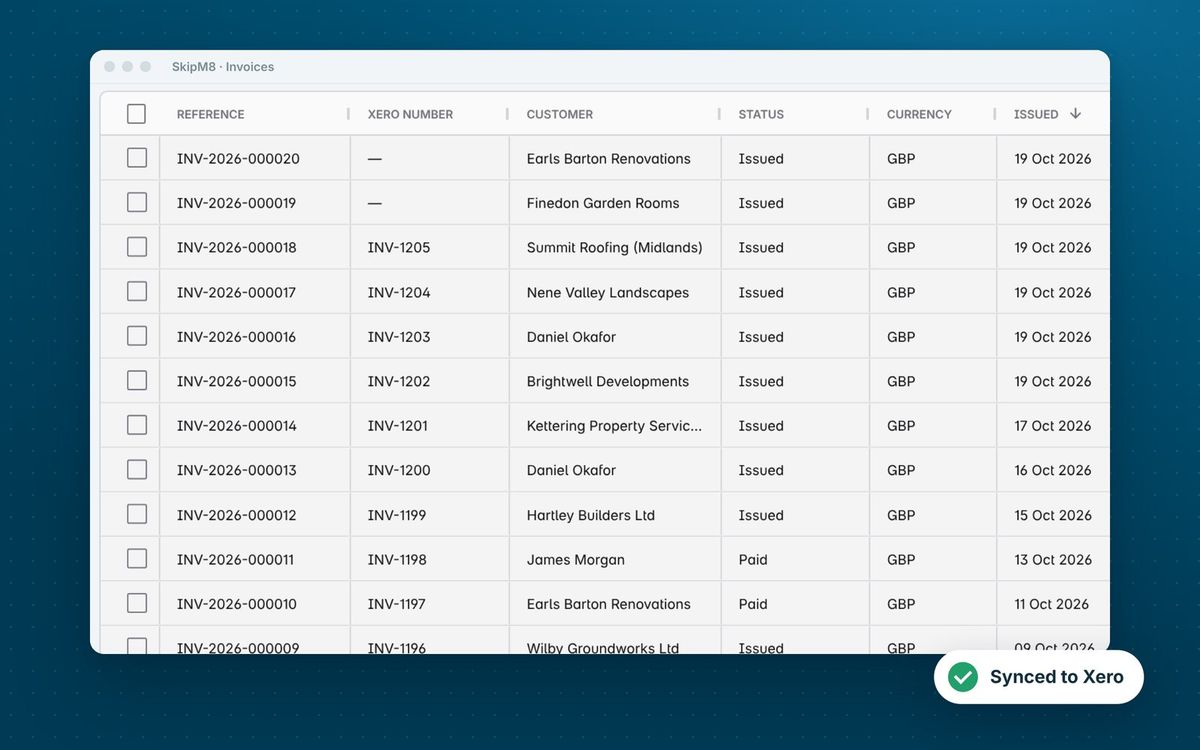
The SkipM8 invoice list, showing each invoice's Xero number beside its SkipM8 reference

Accounting software

Xero

Send invoices and payments to Xero, and see in SkipM8 what's been paid.

More on XeroThe SkipM8 invoice list, showing each invoice's Xero number beside its SkipM8 reference

QuickBooks

Send invoices and payments to QuickBooks, and see in SkipM8 what's been paid.

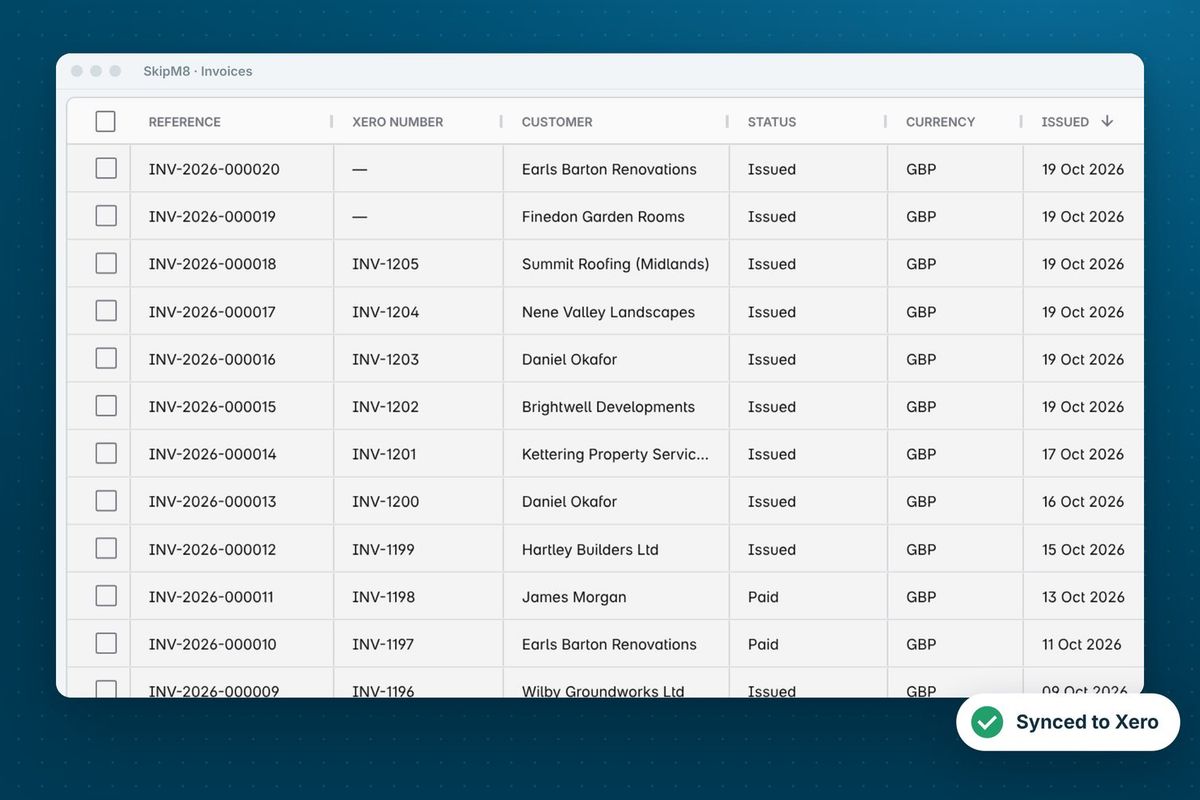
More on QuickBooksThe SkipM8 invoice list with an accounting number column beside each invoice reference
Sage

Send invoices and payments to Sage Accounting.

More on SageThe SkipM8 invoice list showing each invoice's accounting number

FreeAgent

Sync invoices and payments with FreeAgent.

More on FreeAgentThe SkipM8 invoice list, showing each invoice's accounting number beside its SkipM8 reference

Payments and bookings

Stripe

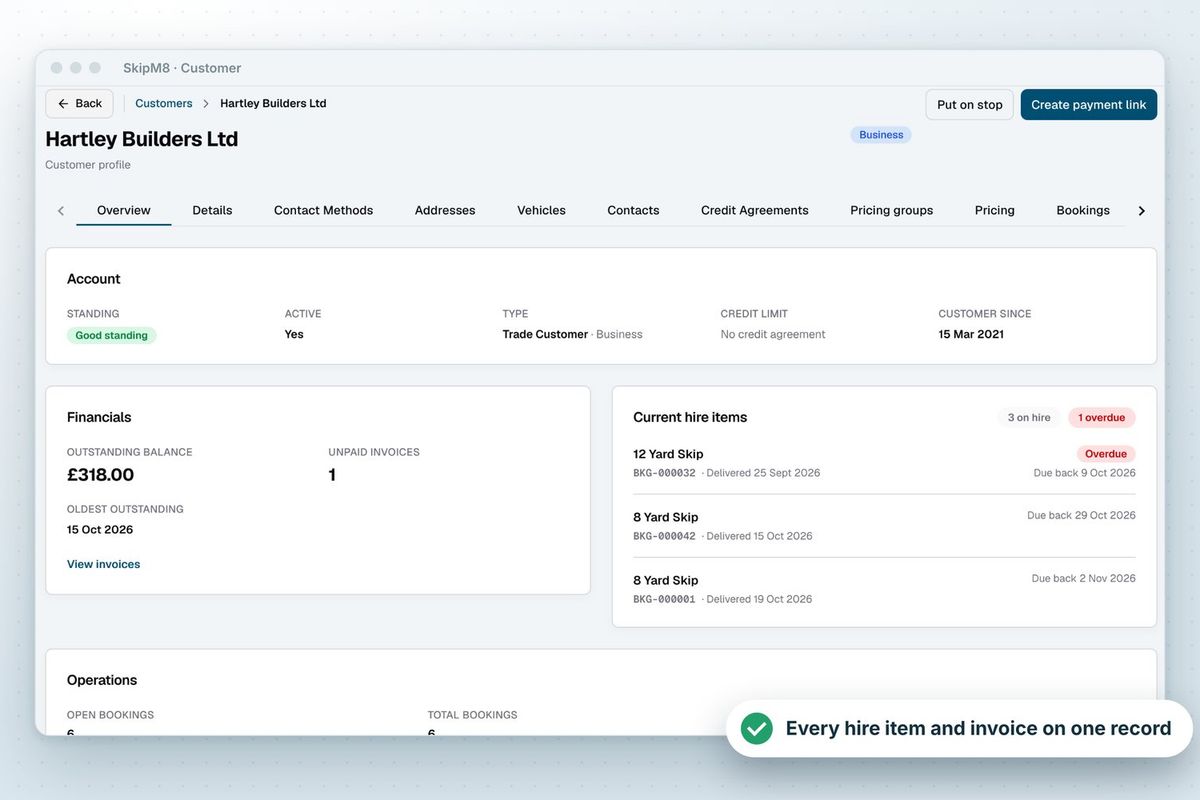
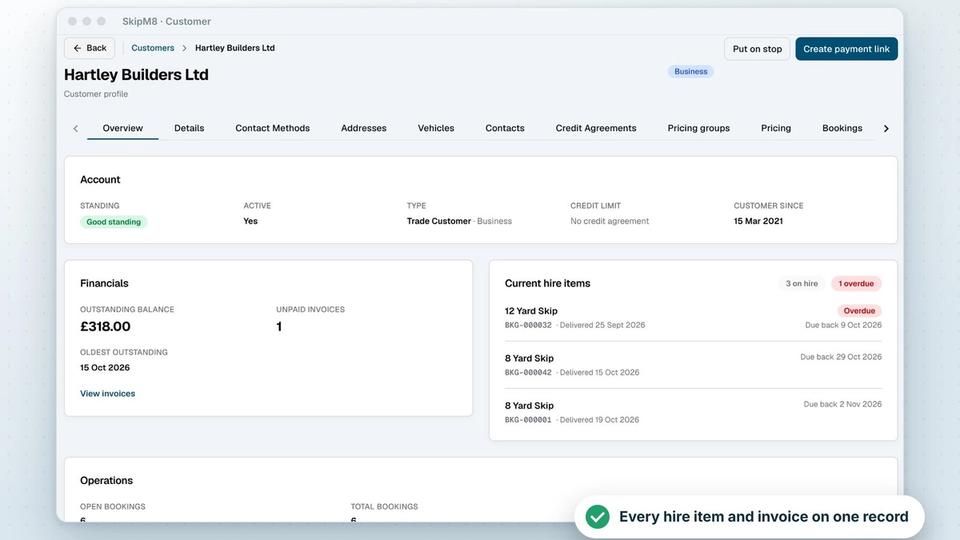
Send customers a link to pay their invoices by card.

More on StripeA SkipM8 customer page showing the customer's outstanding balance and current hire items

Booking API

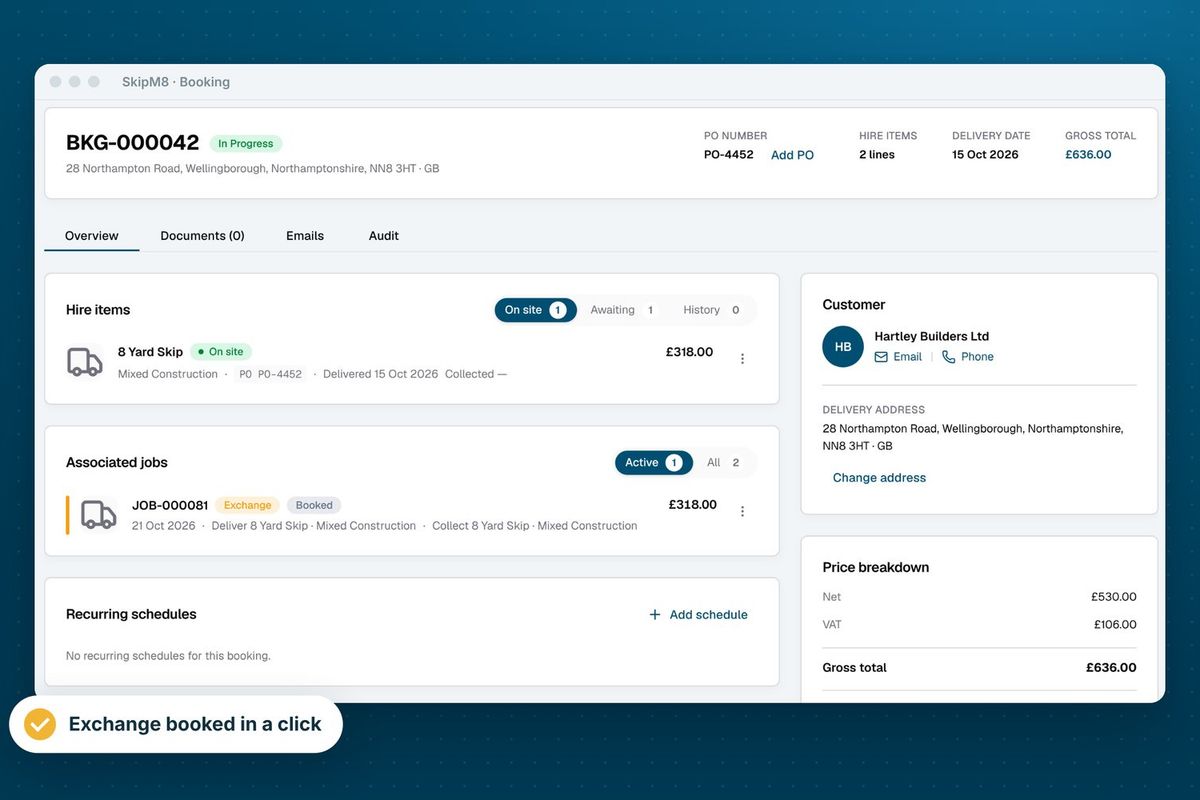
Send bookings taken on your own website straight into SkipM8.

More on the booking APIA SkipM8 booking page showing a skip on site, the booking's jobs, the customer and the price breakdown

Compliance, locations and calls

what3words

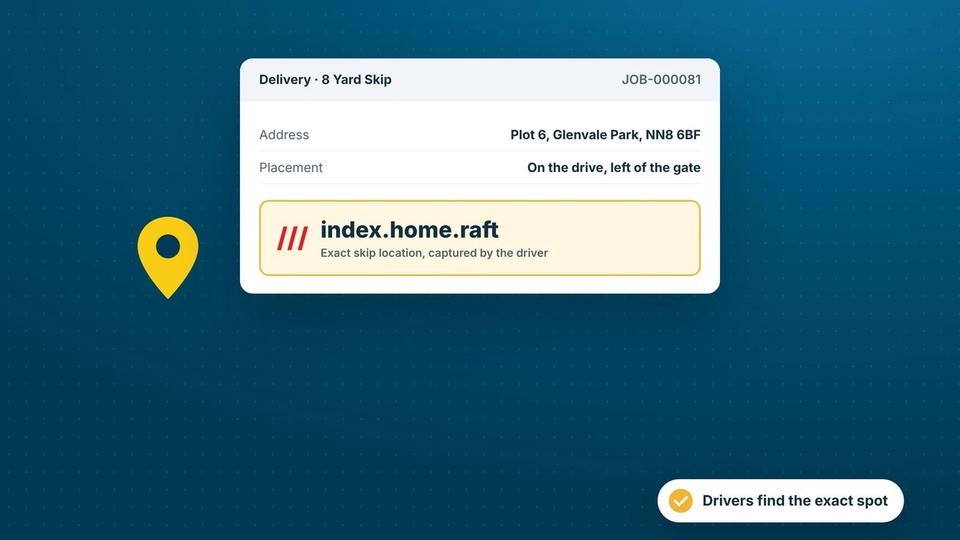
Record the exact spot every skip is placed, so drivers know exactly where to go.
Yealink desk phones

See who's calling on your Yealink desk phones, with their account open on screen.

Our growing customer base

Skip hire and waste businesses across the UK run their bookings, dispatch and paperwork on SkipM8.


See SkipM8 in action

Book a demo and we'll walk you through it with jobs like yours, or start on the free Solo plan today.